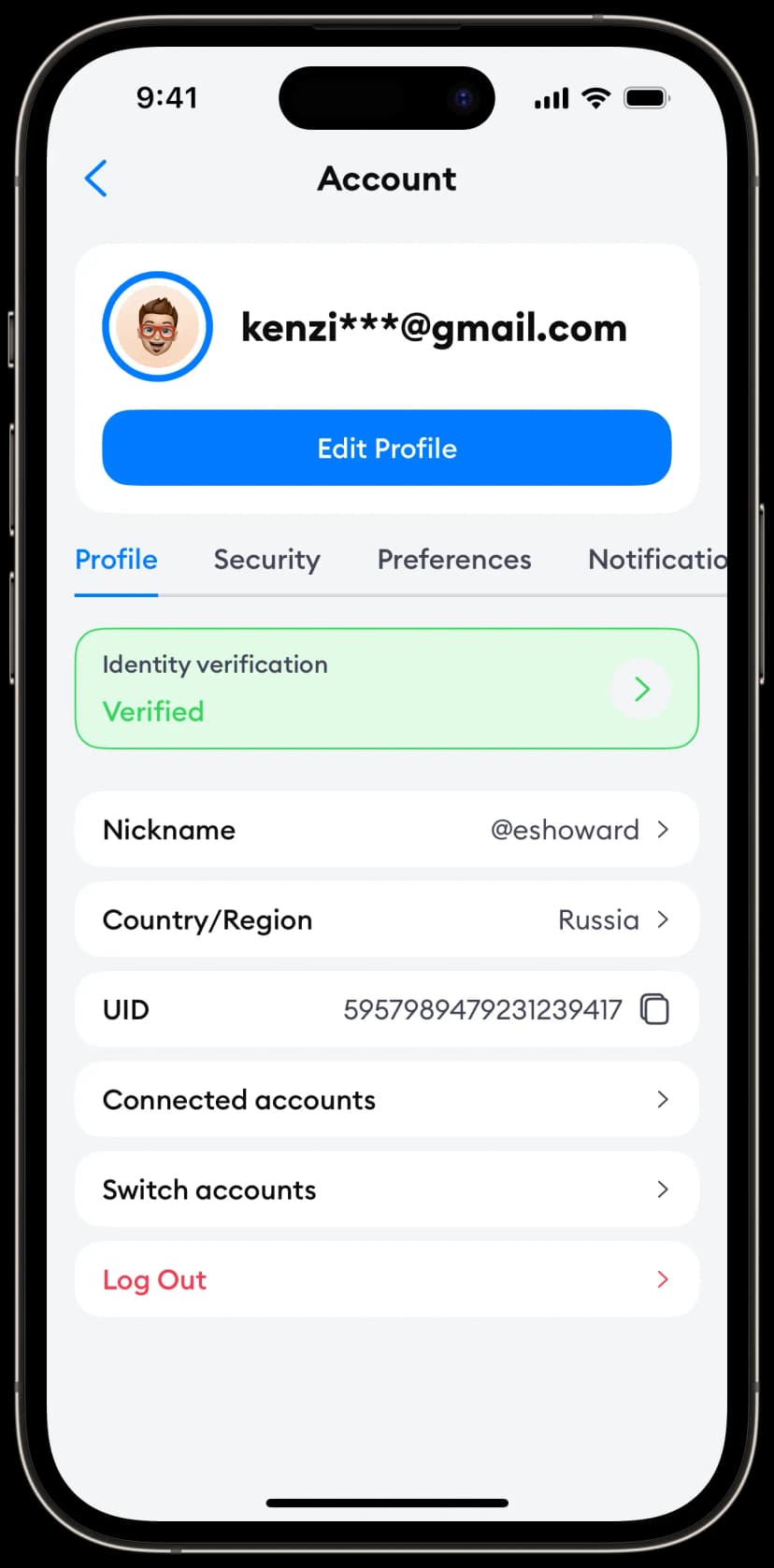
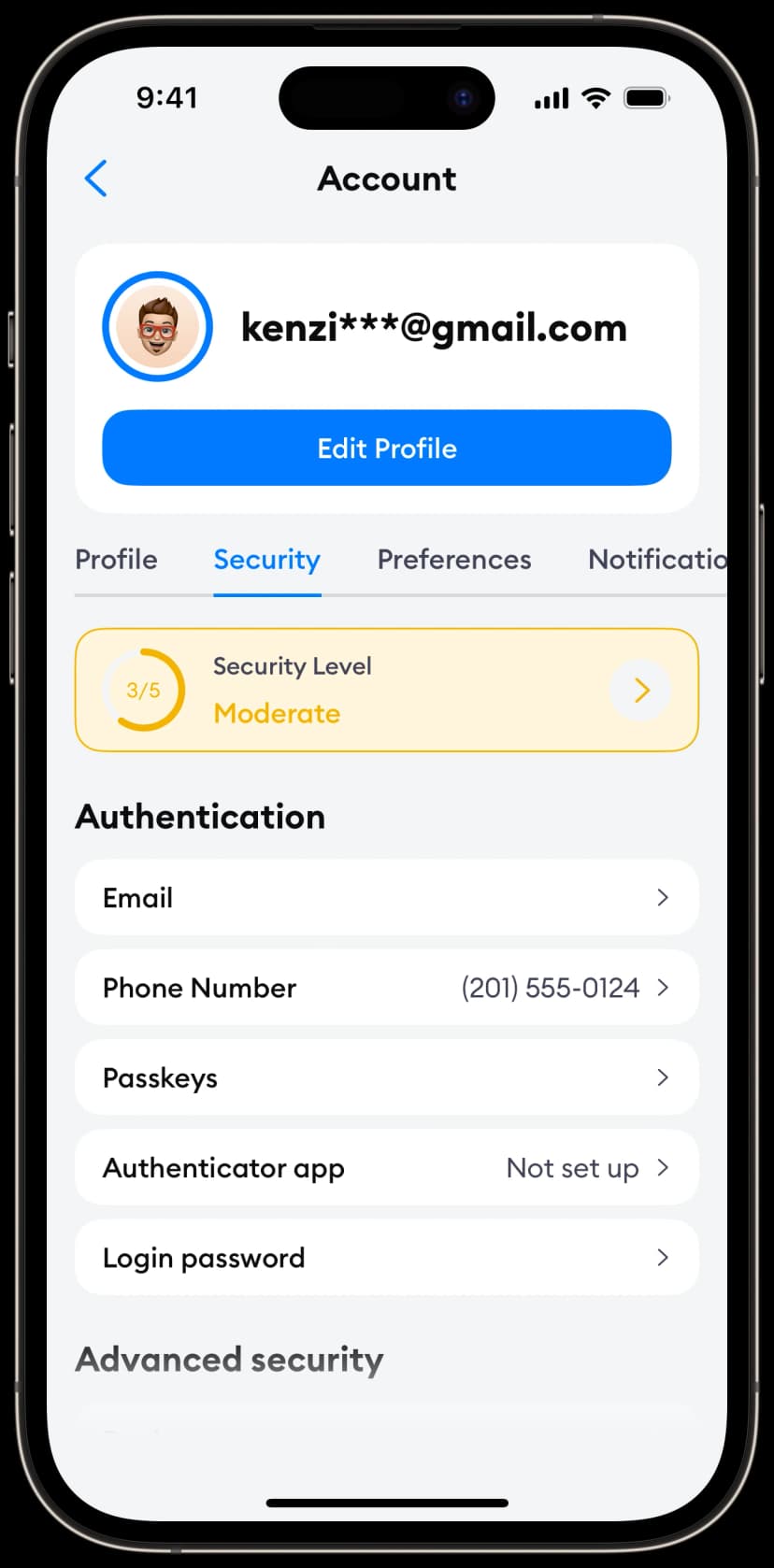
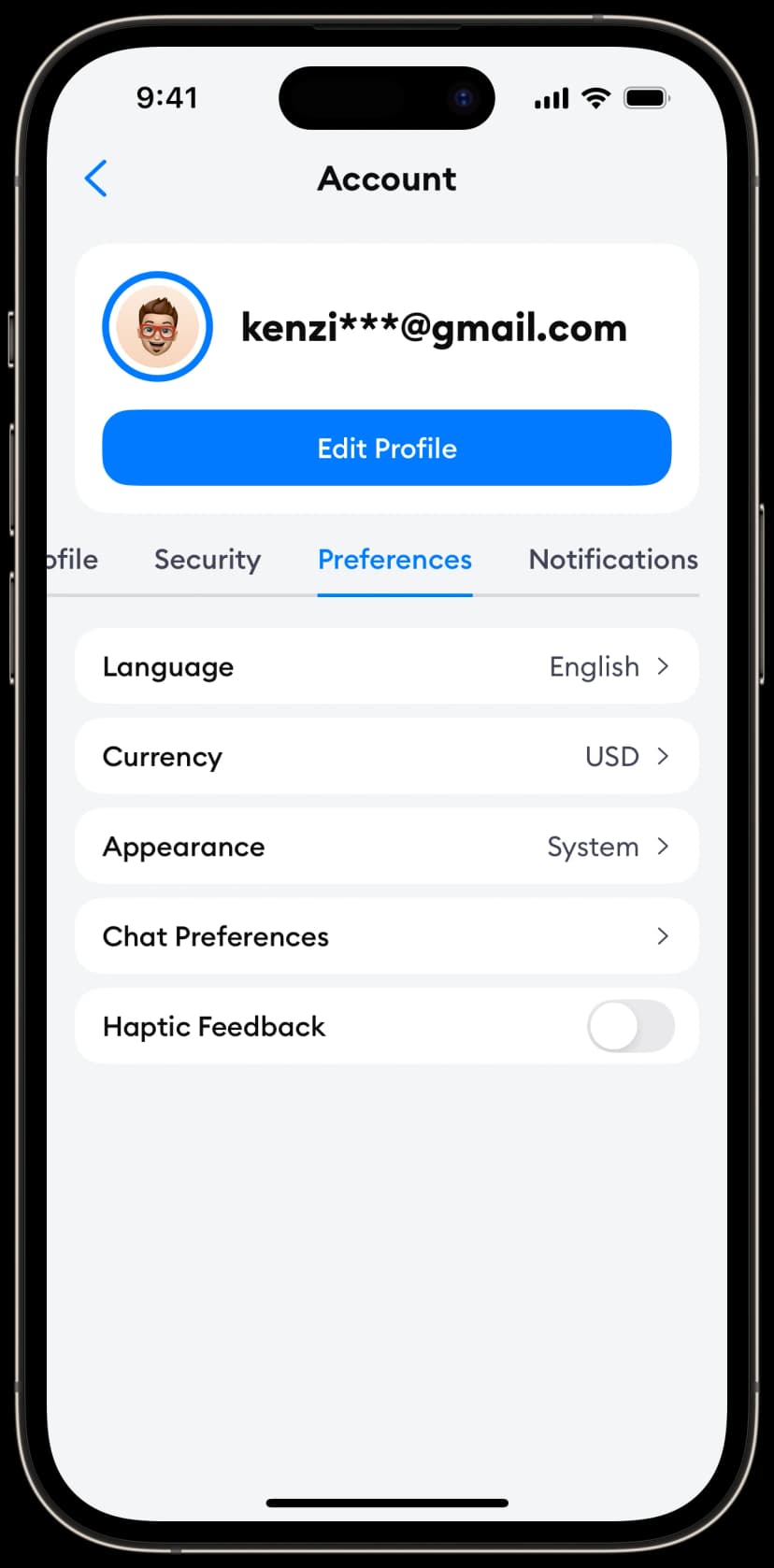
Speed up iOS app development with copy-paste pages
iOS 17+
SwiftUI
Build complete features in minutes with pre-designed, production-ready UI blocks you can customize and use instantly.
Settings Screens
Settings pages to help users manage their app's preferences.
Variant 1
View code →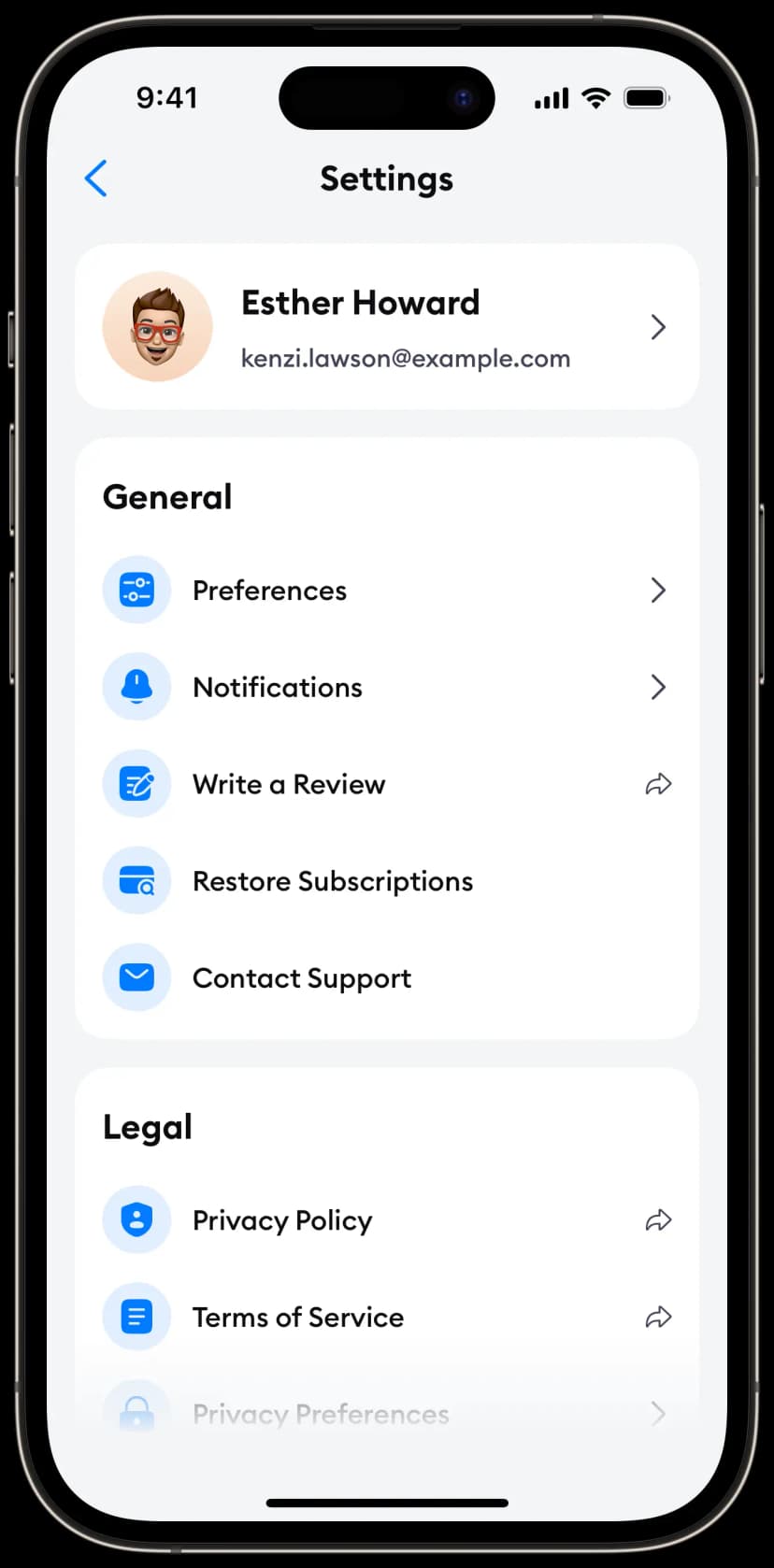
Variant 2
View code →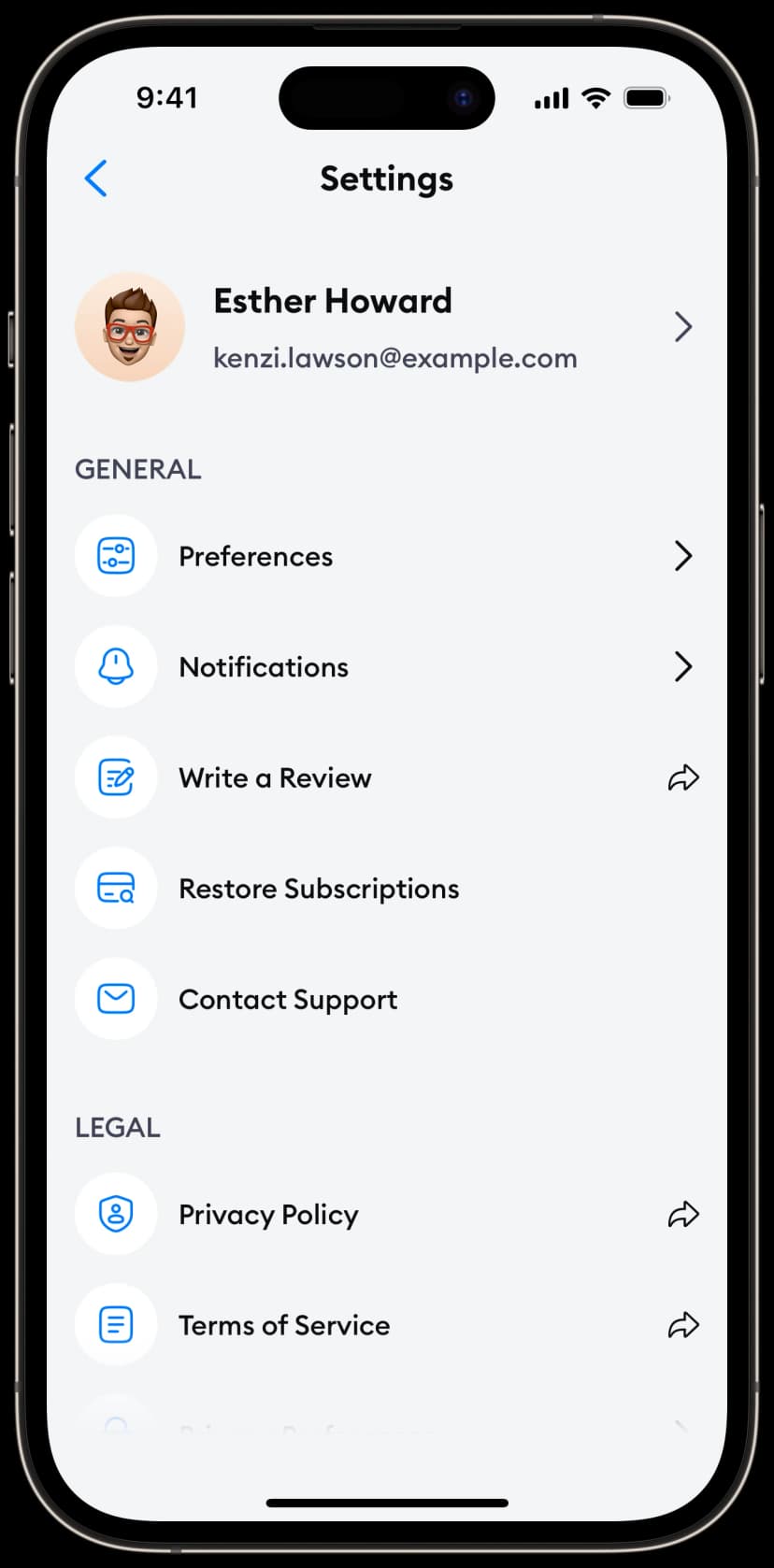
Variant 3
View code →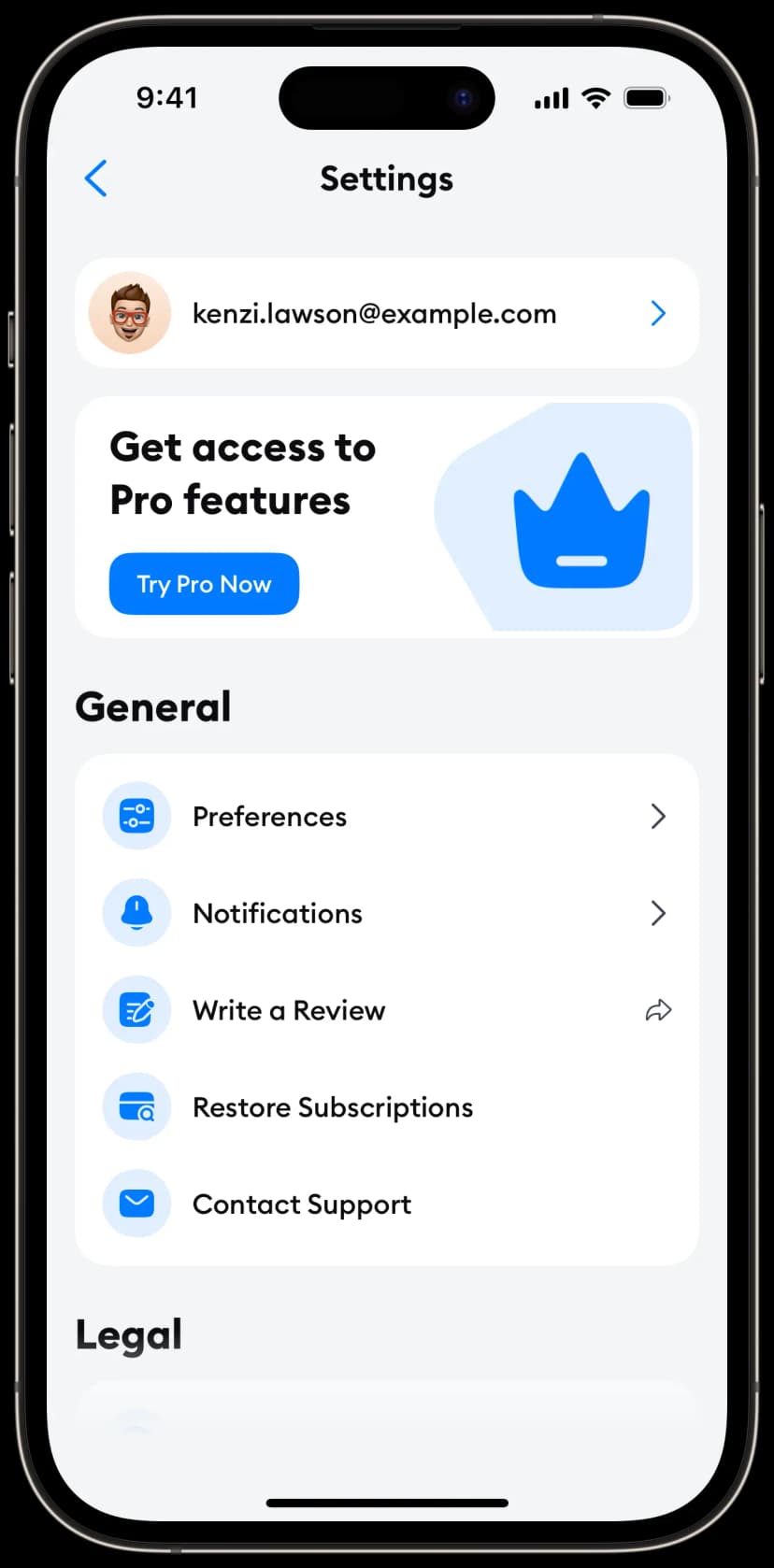
Variant 4
View code →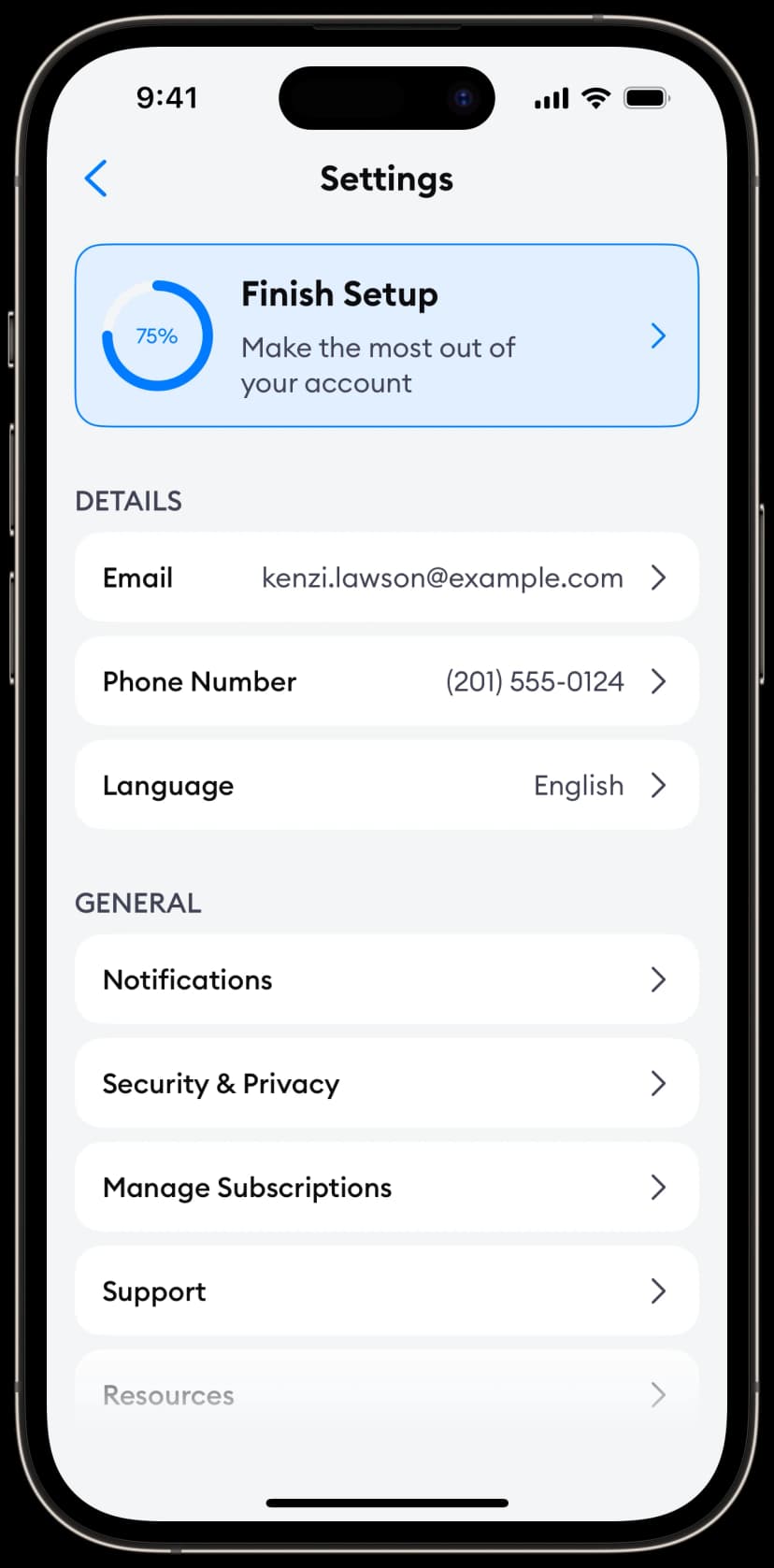
Variant 5
View code →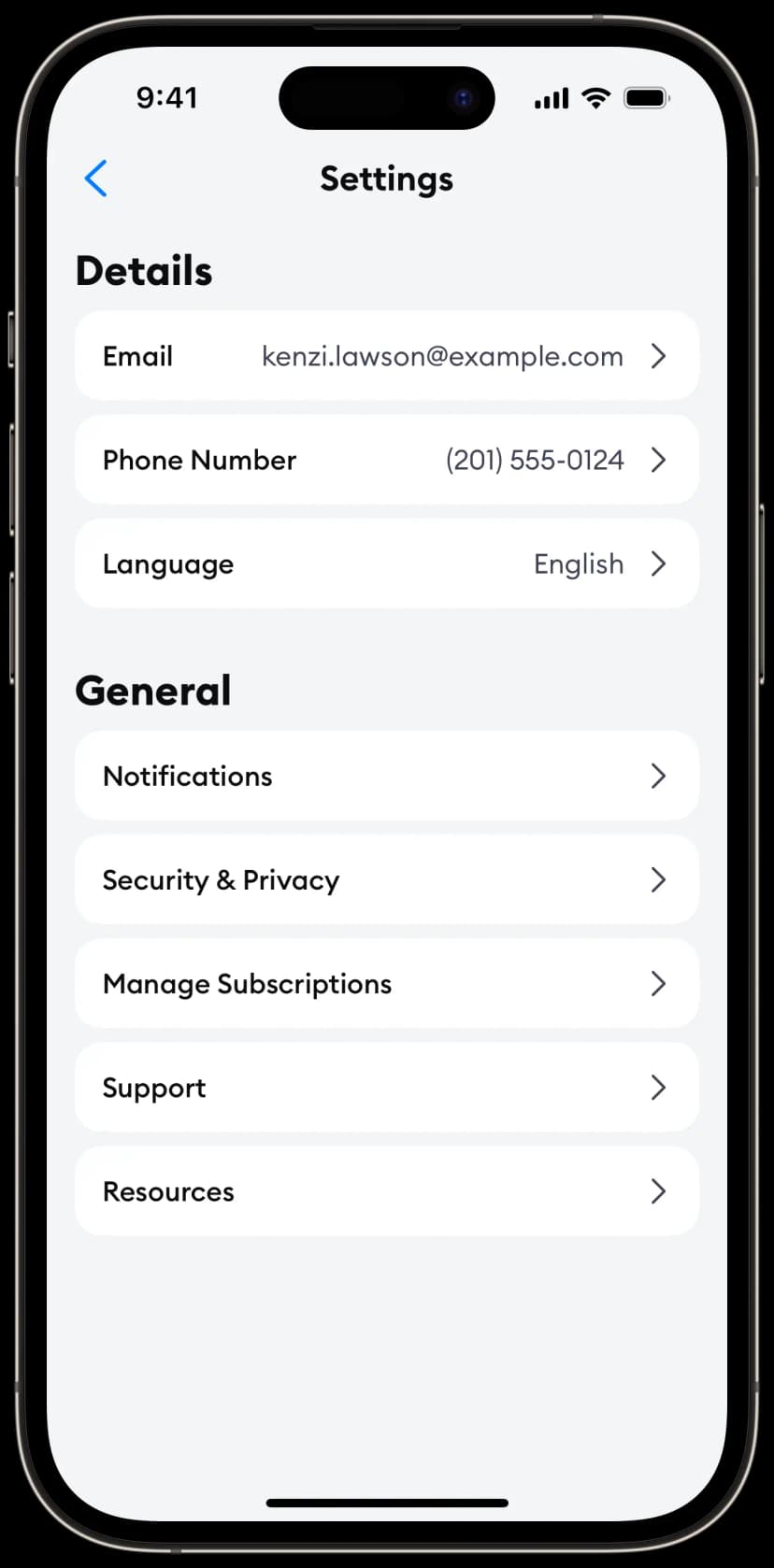
Paywall Screens
Conversion-optimized paywall screens for your app's monetization flow.
Variant 1
View code →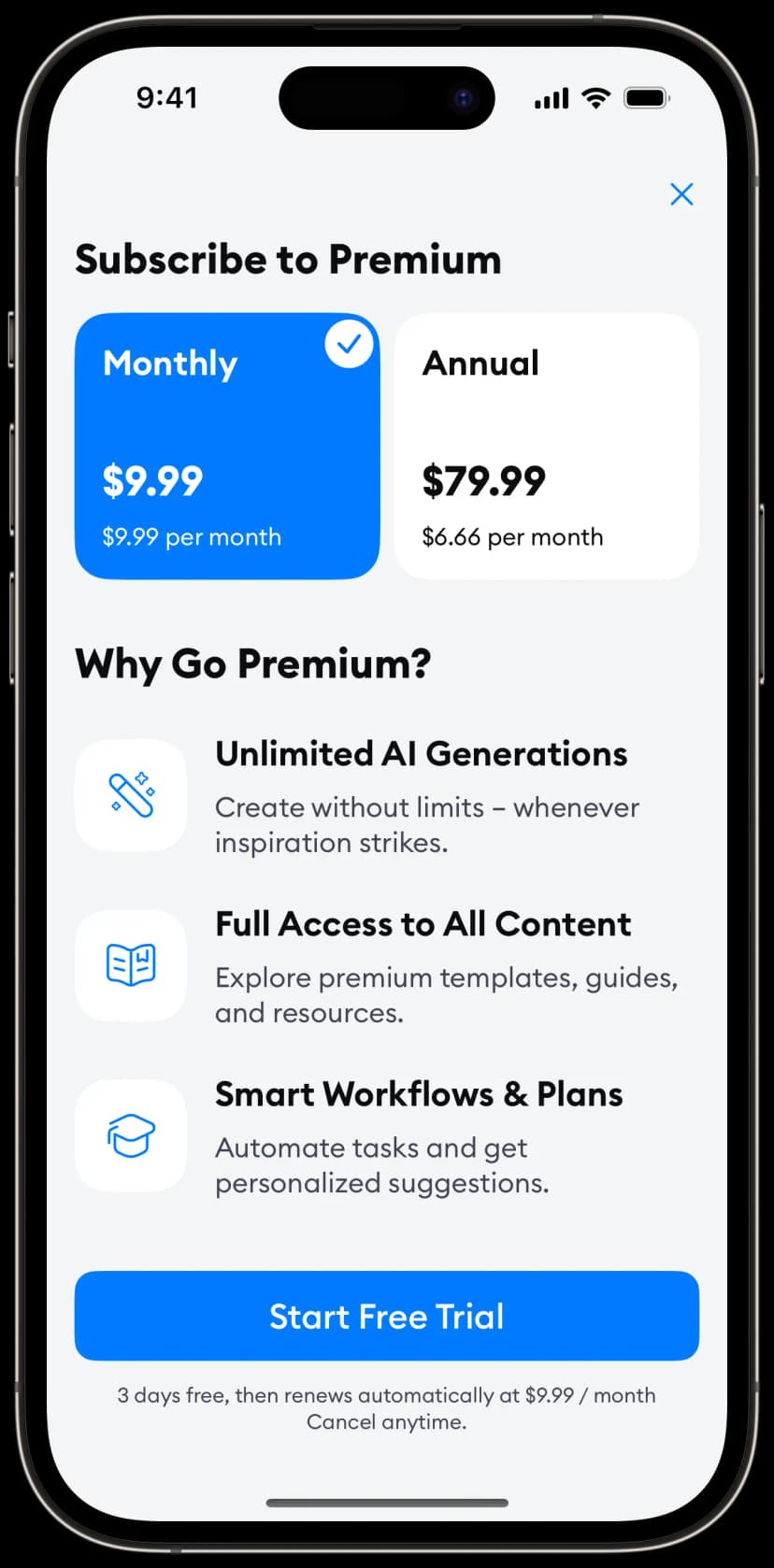
Variant 2
View code →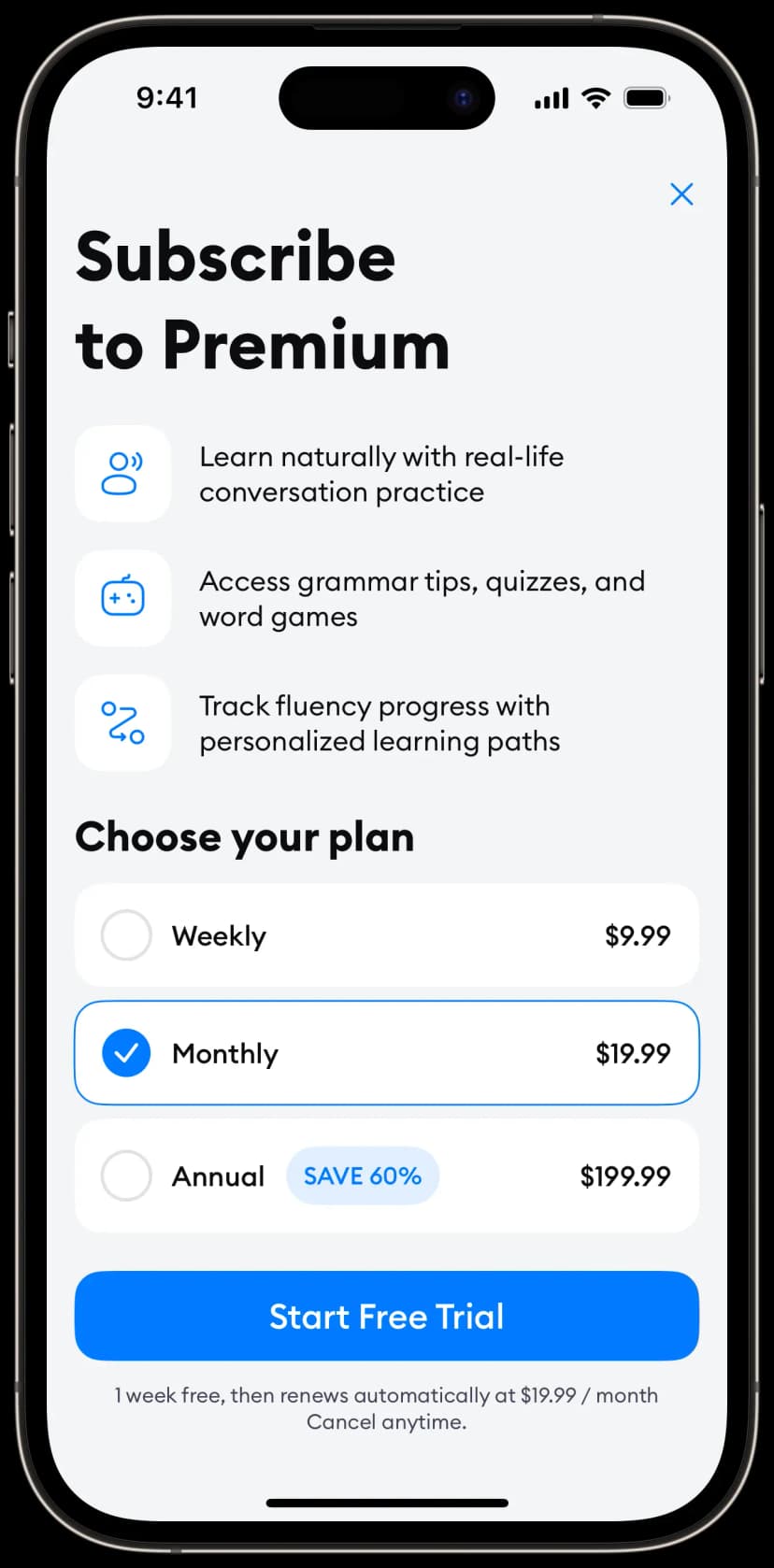
Variant 3
View code →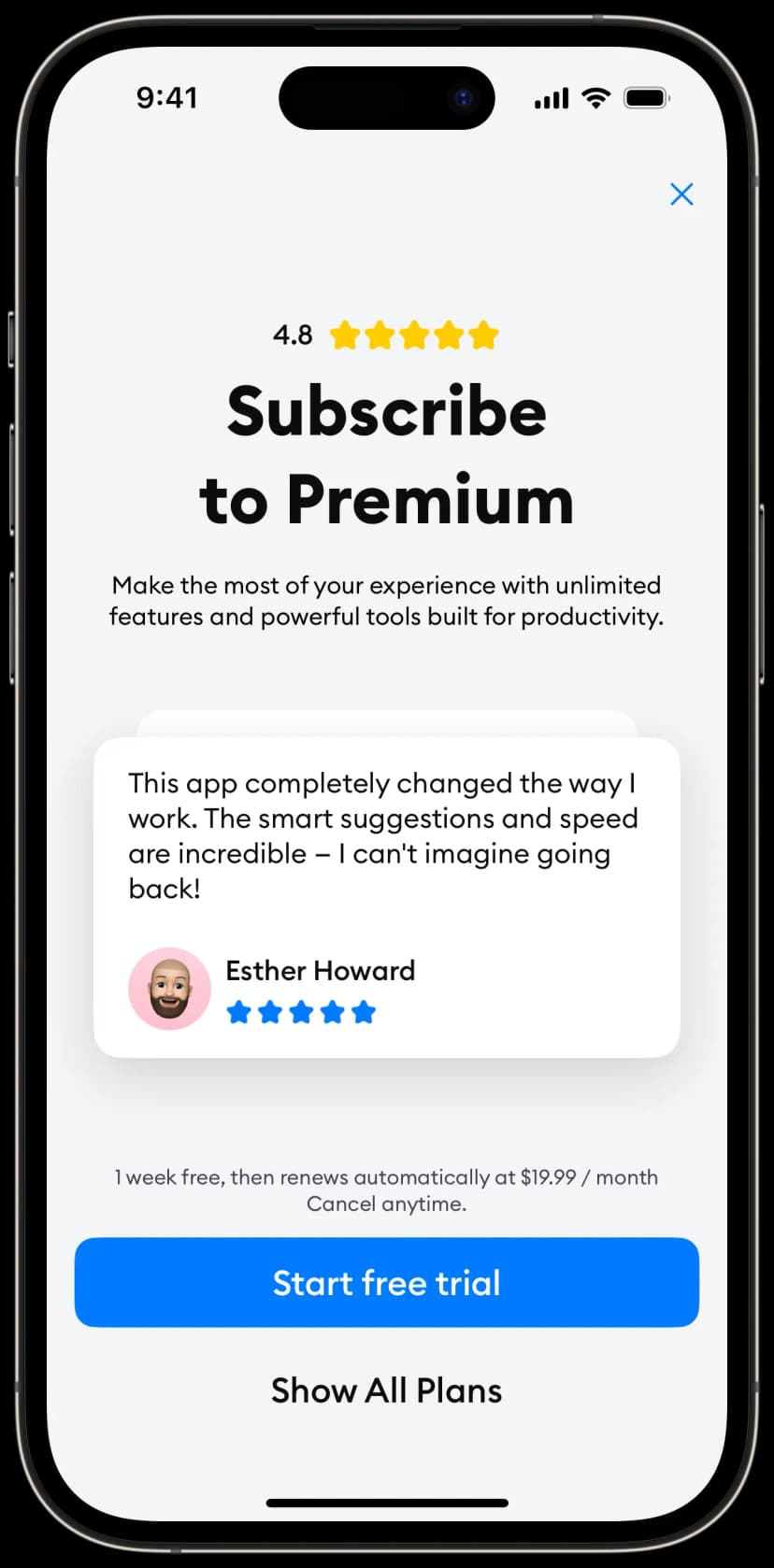
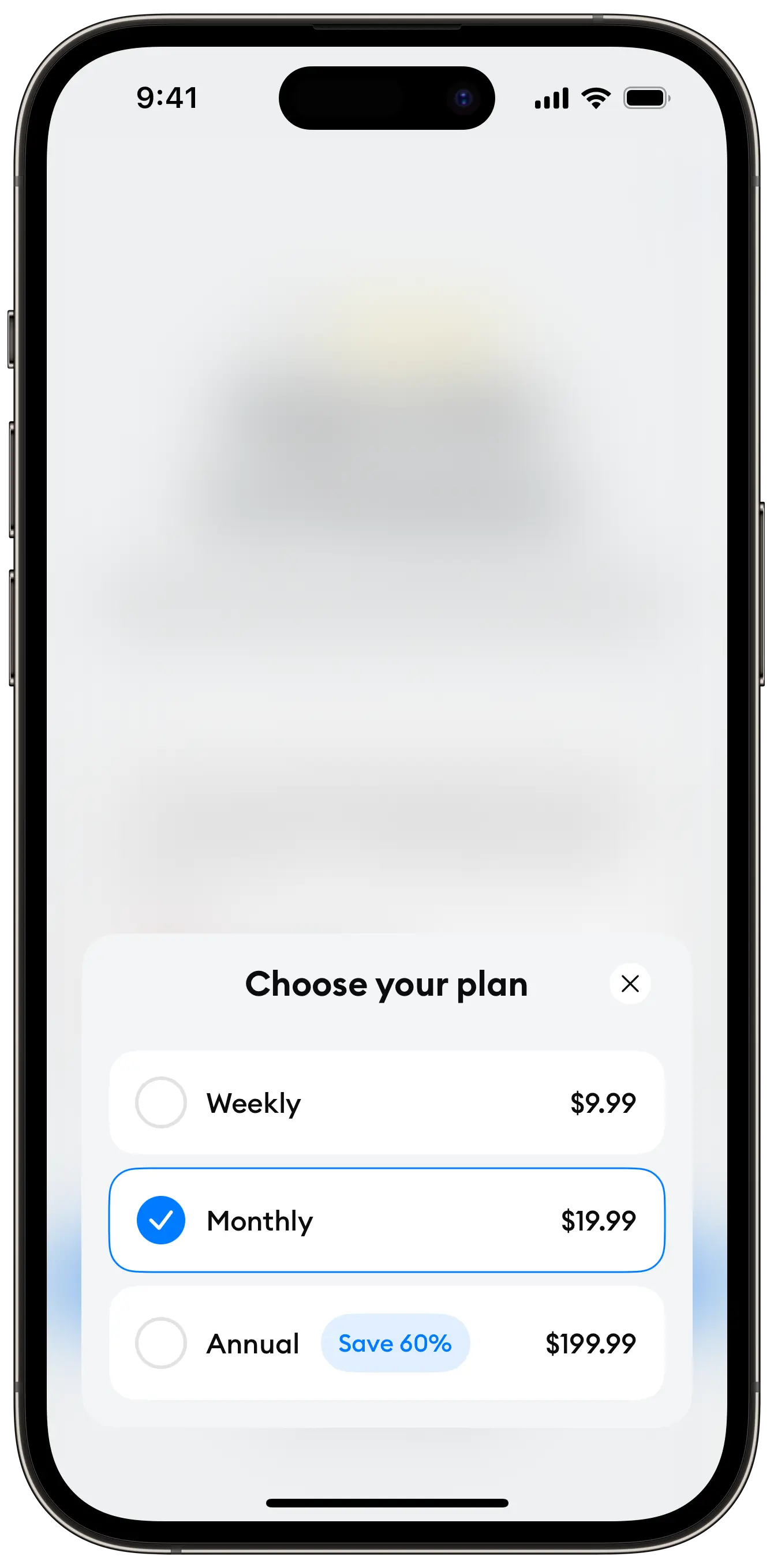
Variant 4
View code →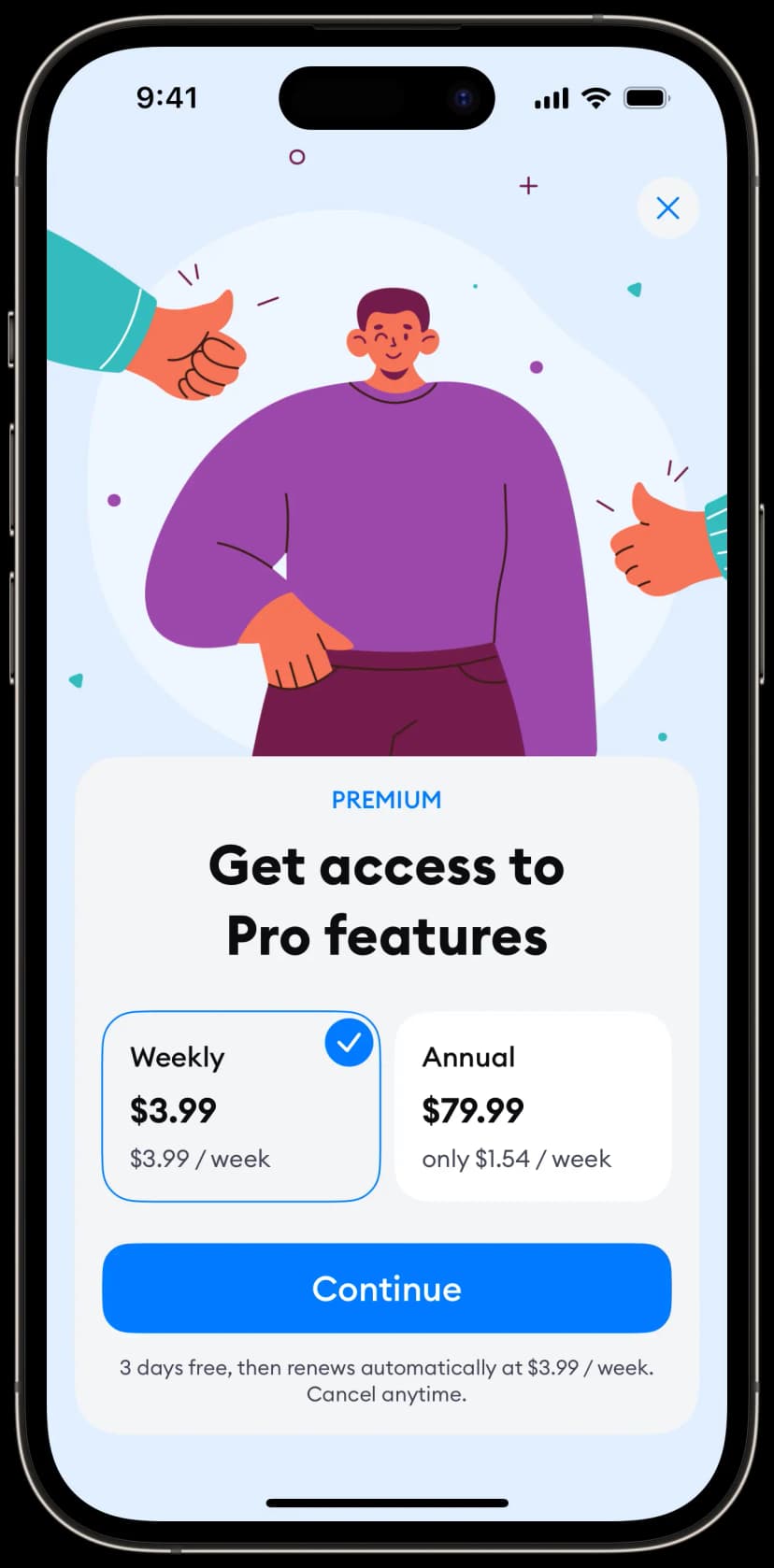
Variant 5
View code →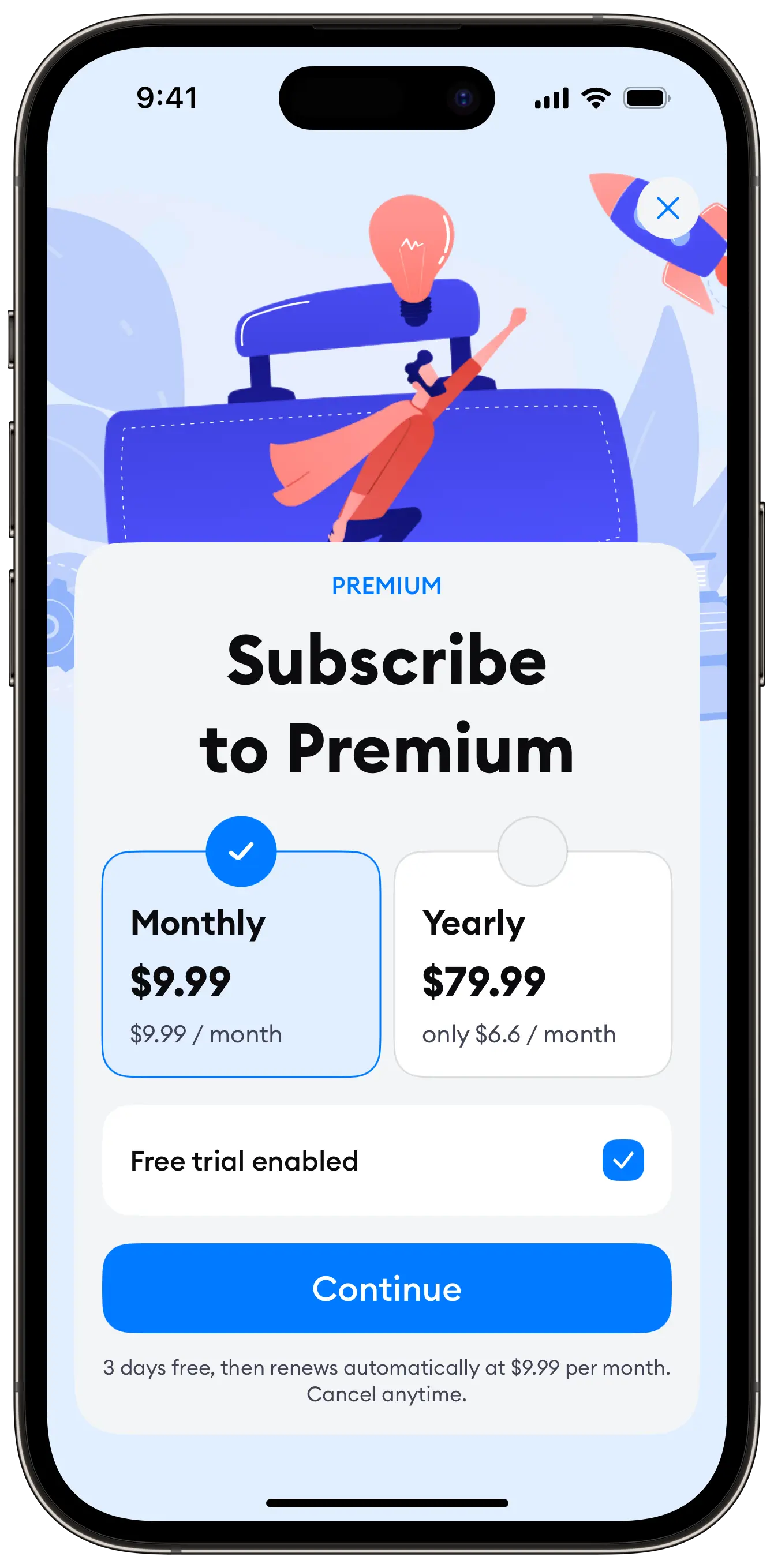
Variant 6
View code →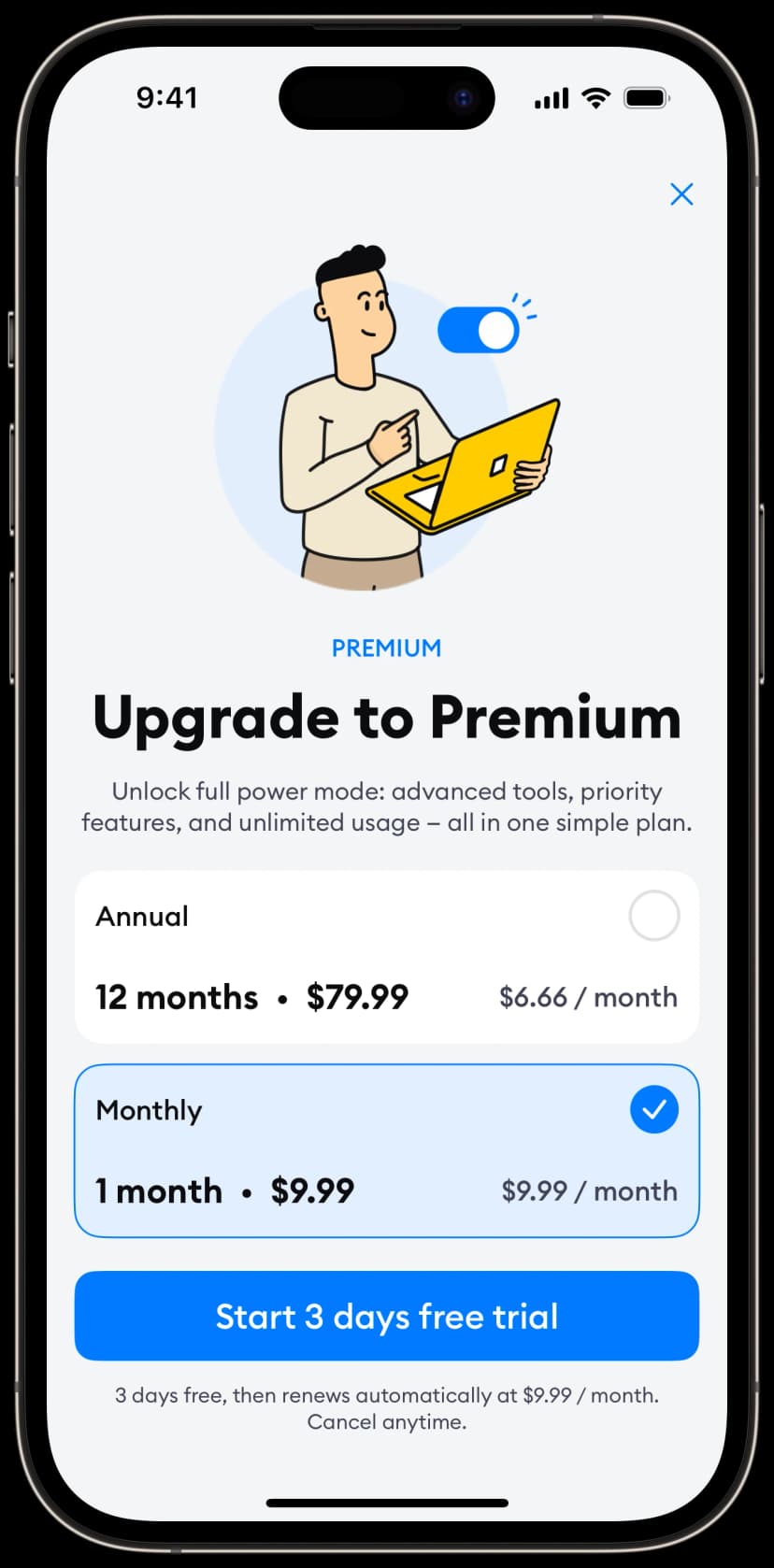
Variant 7
View code →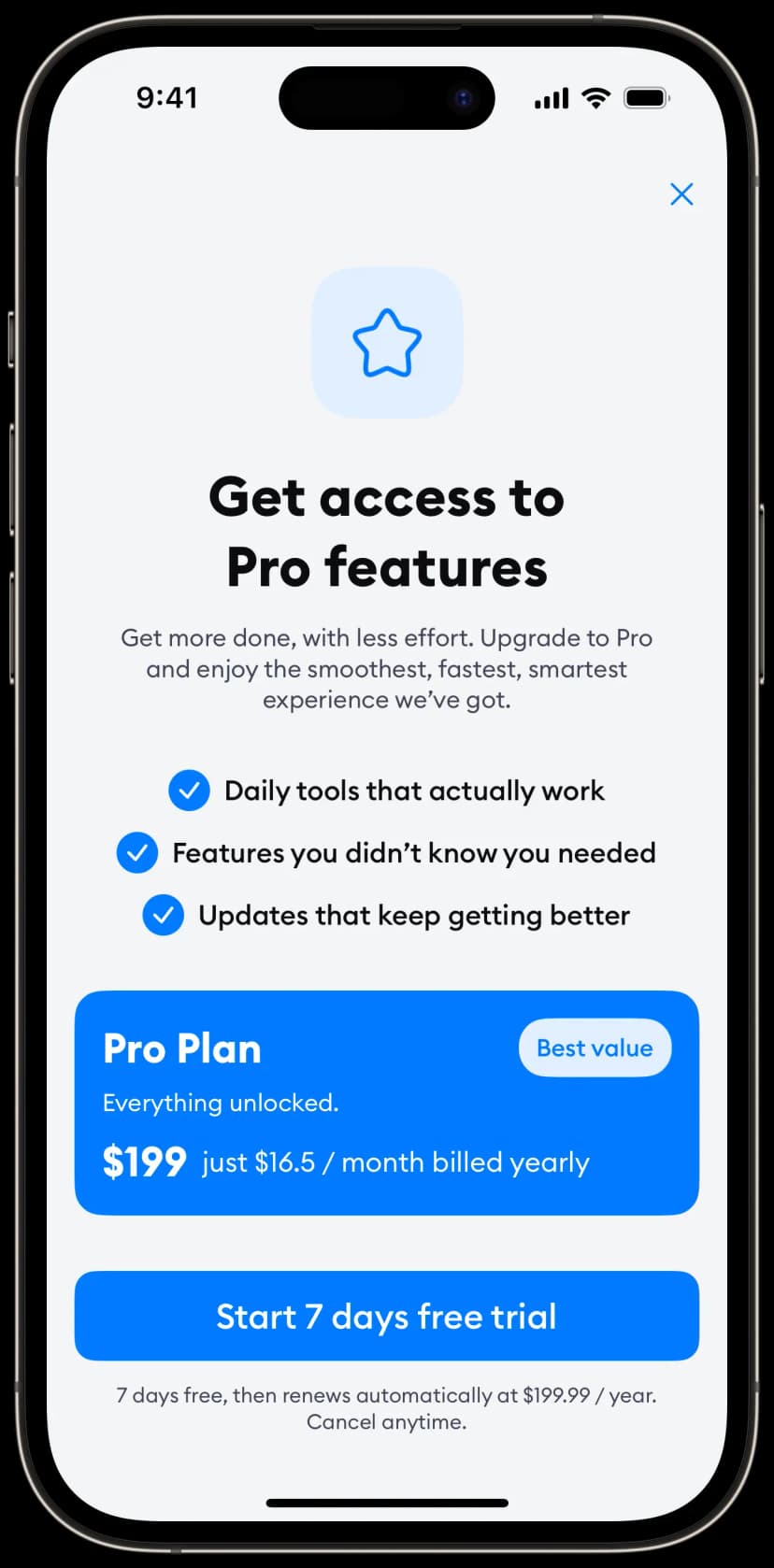
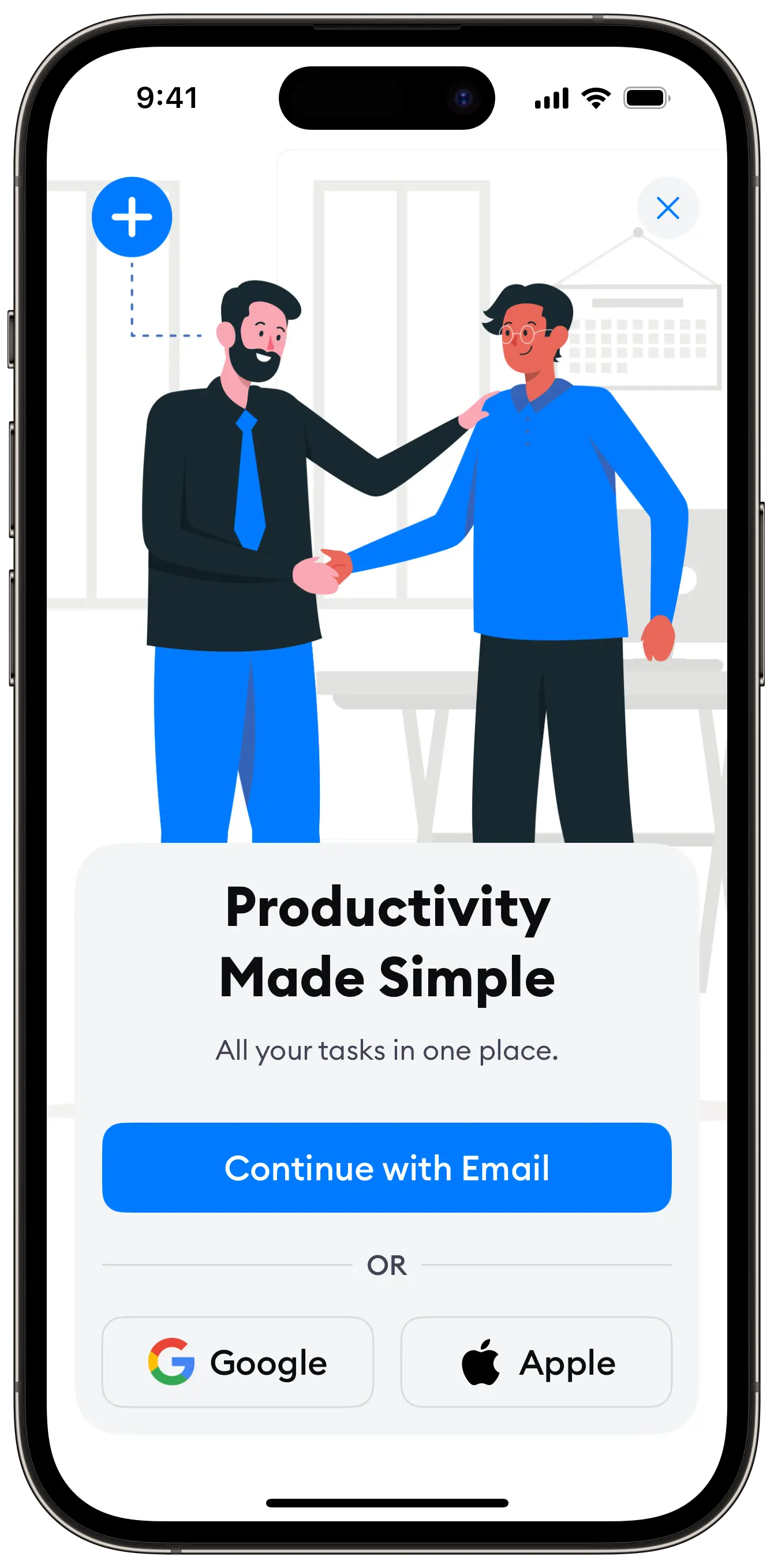
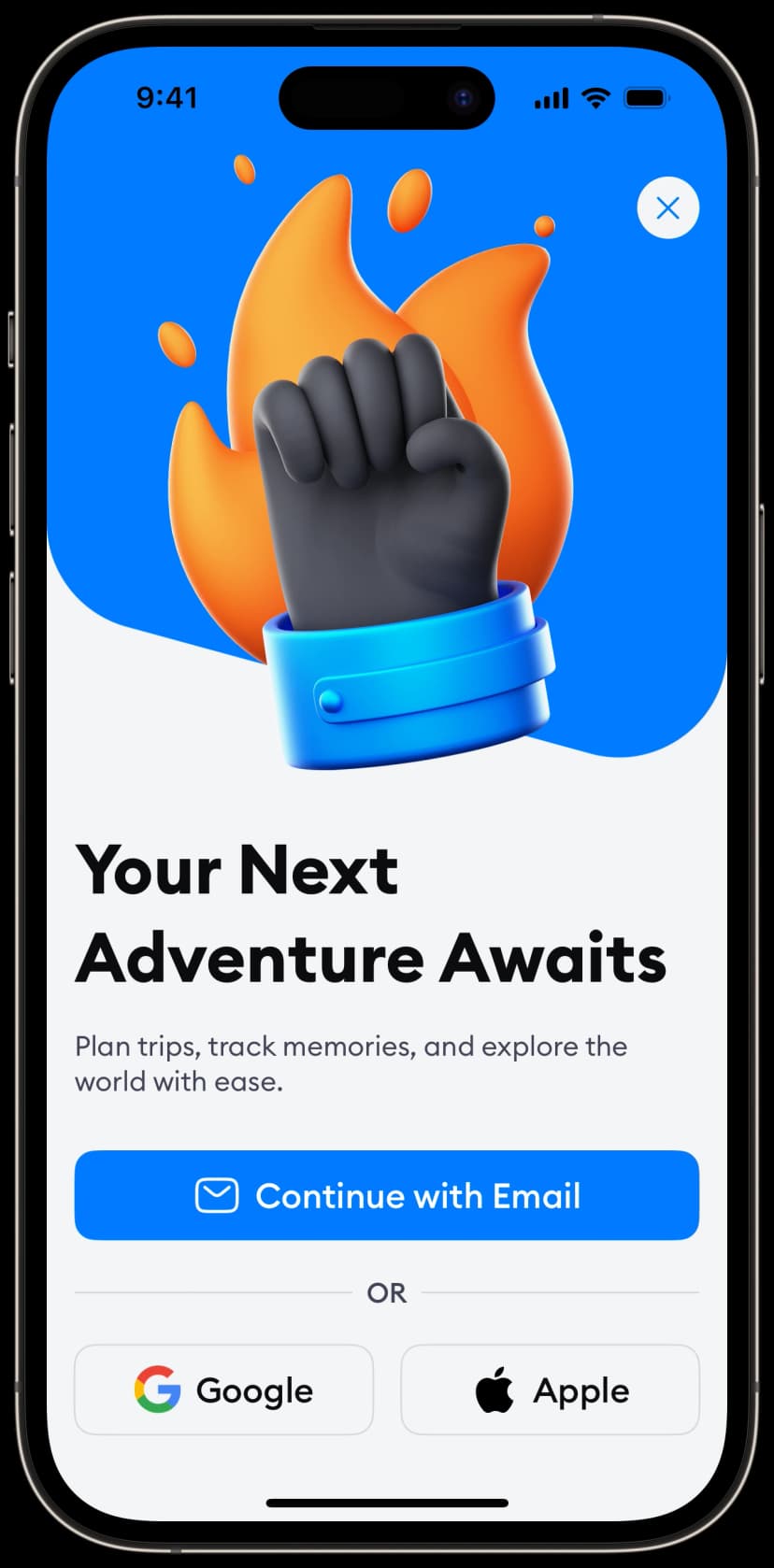
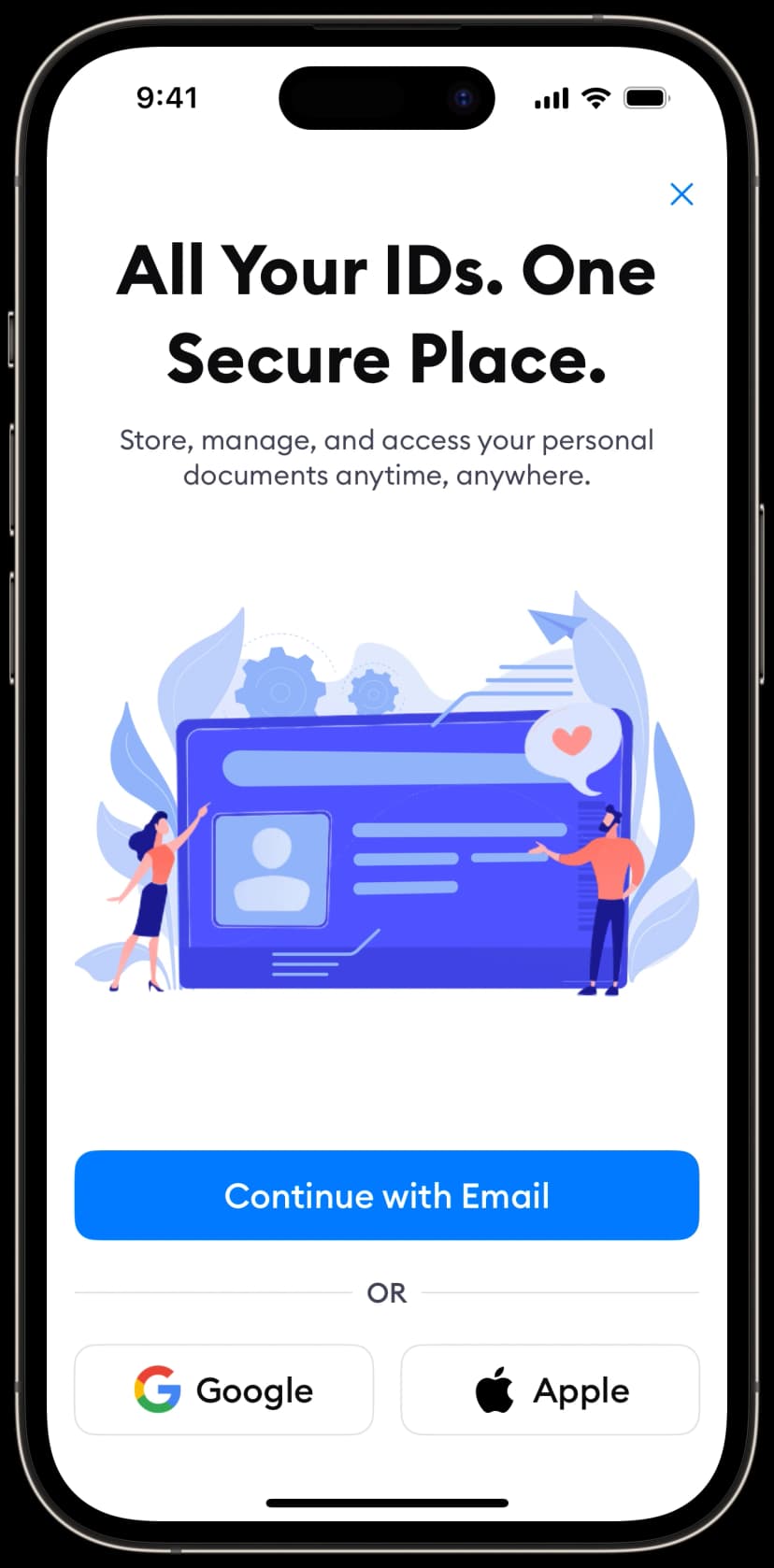
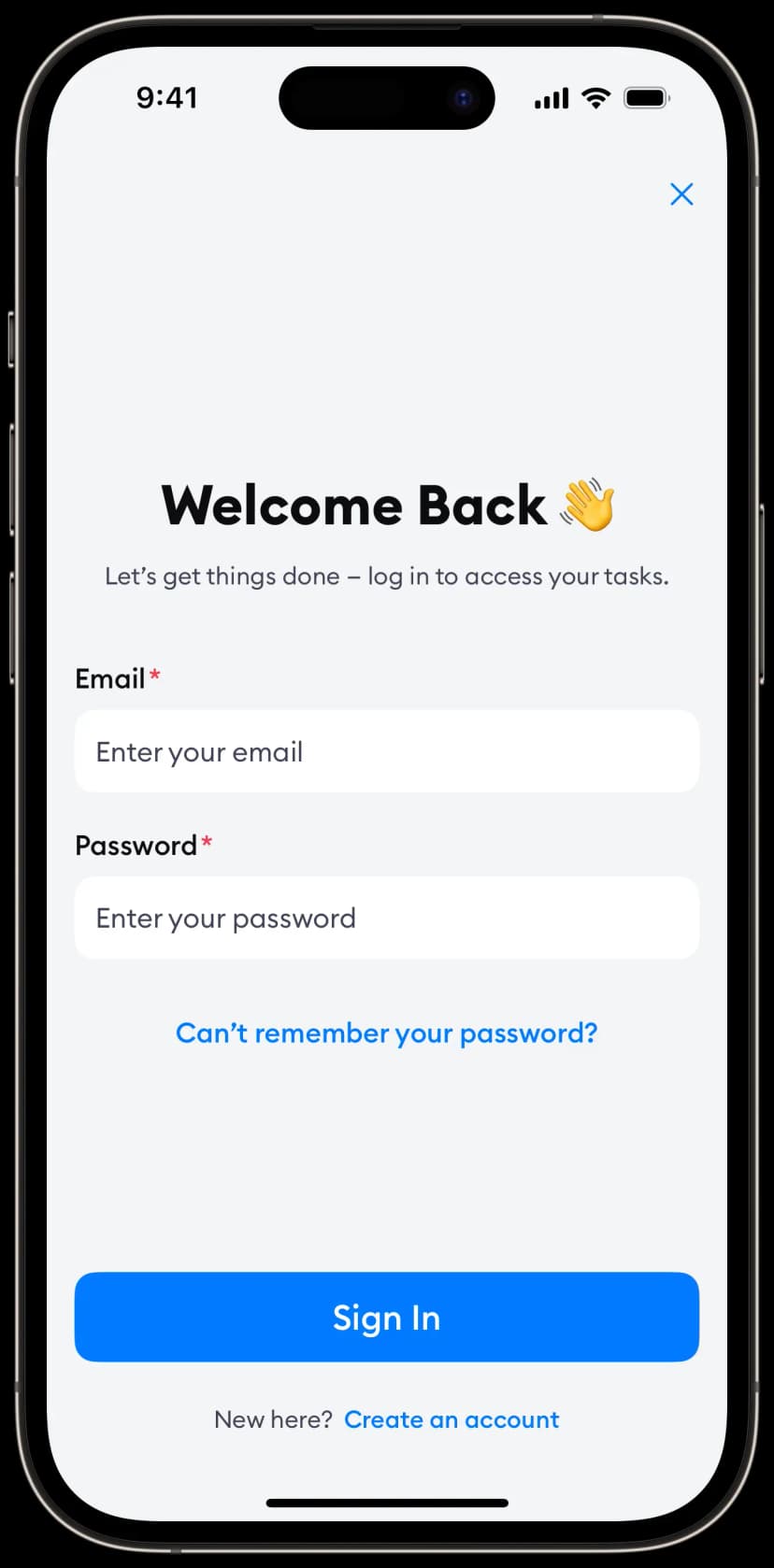
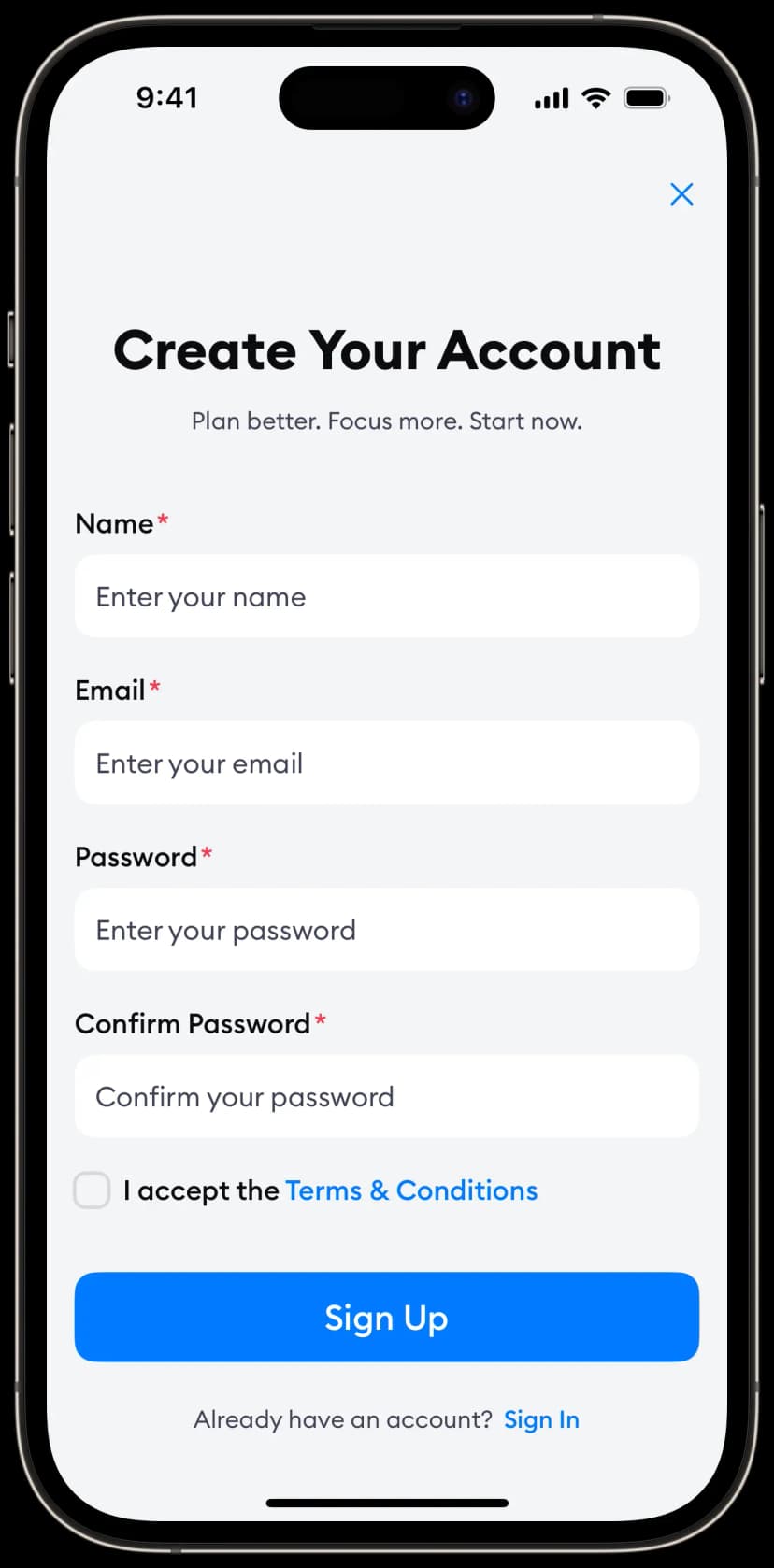
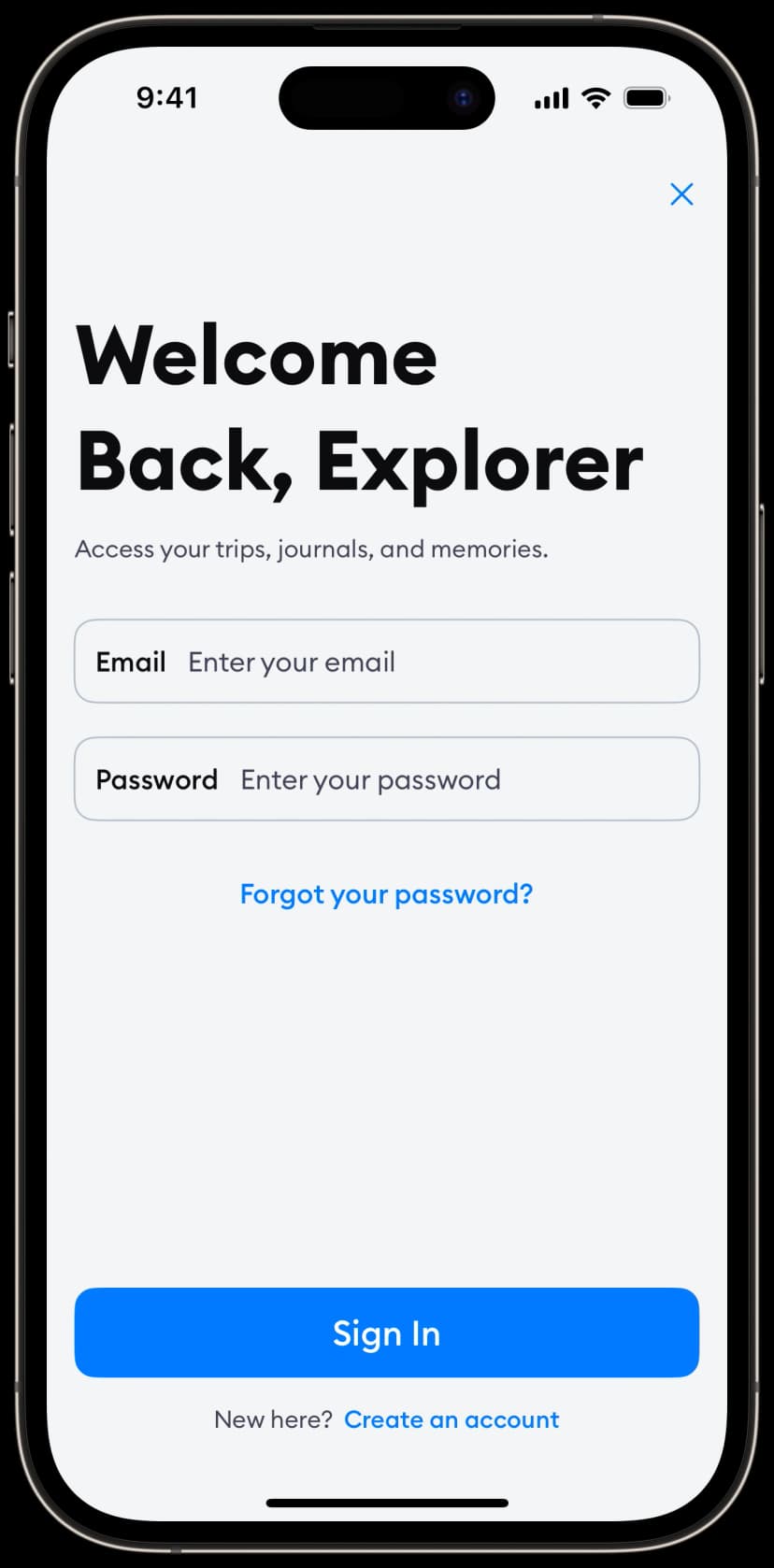
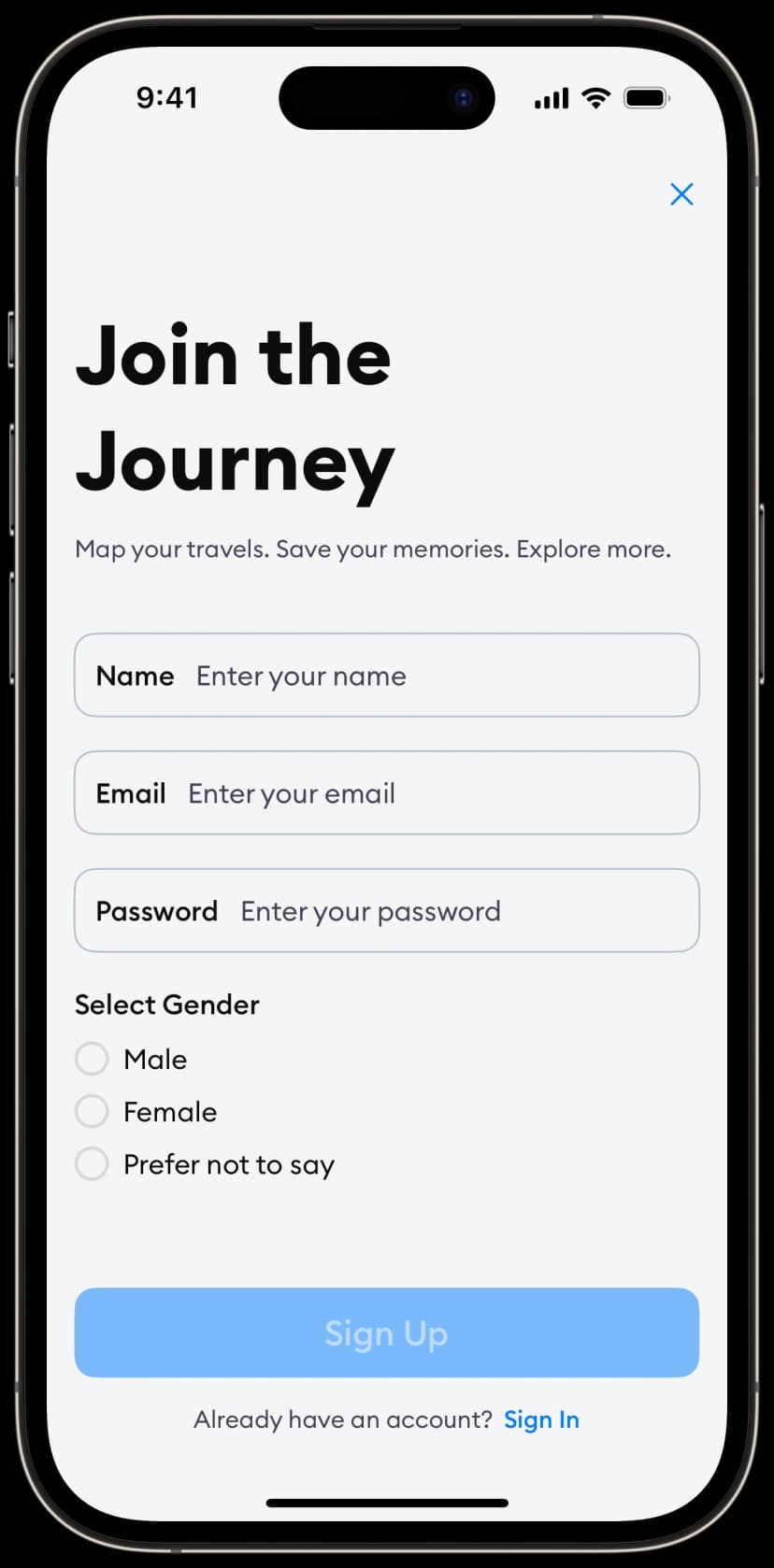
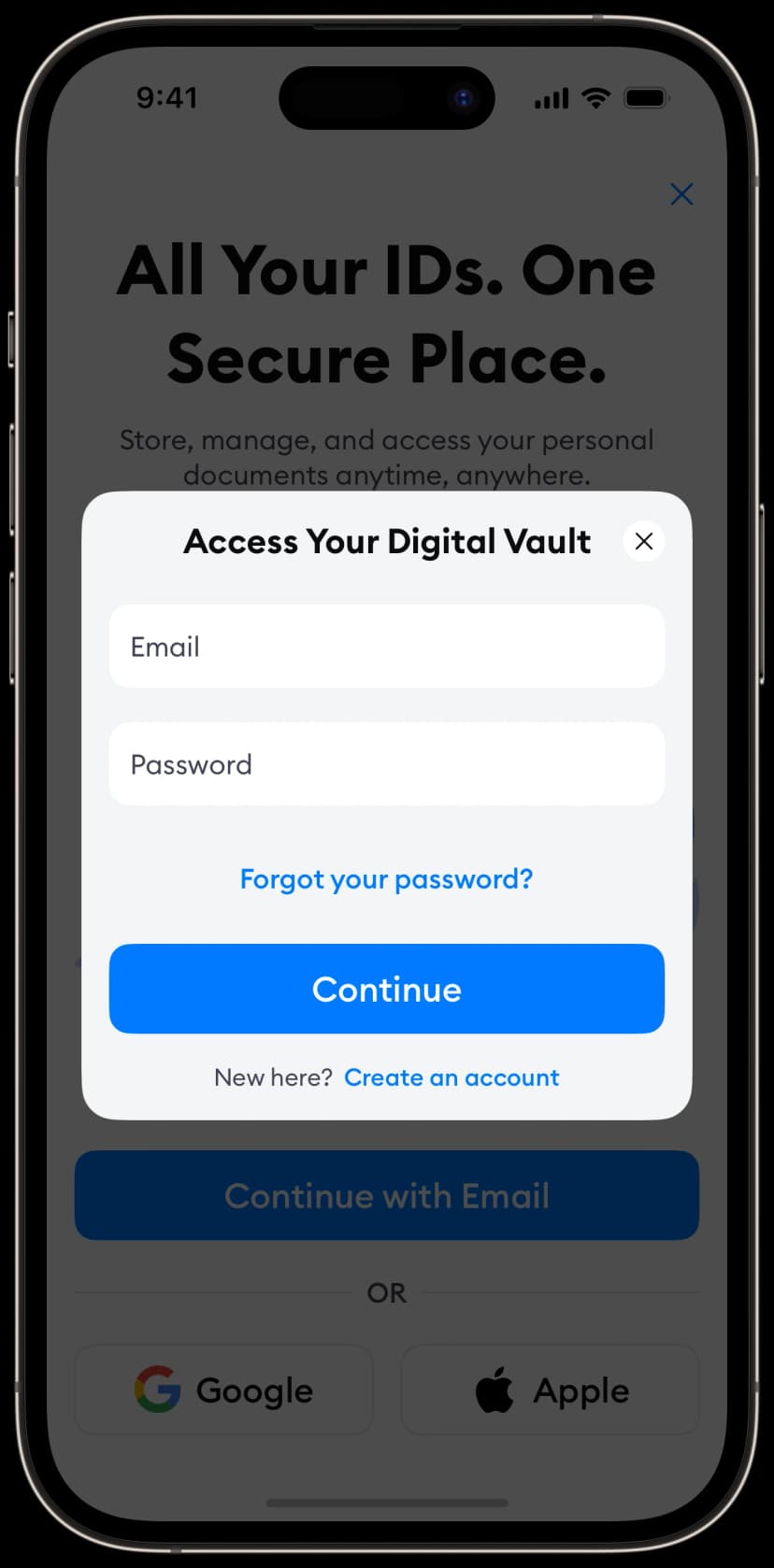
Authentication Screens
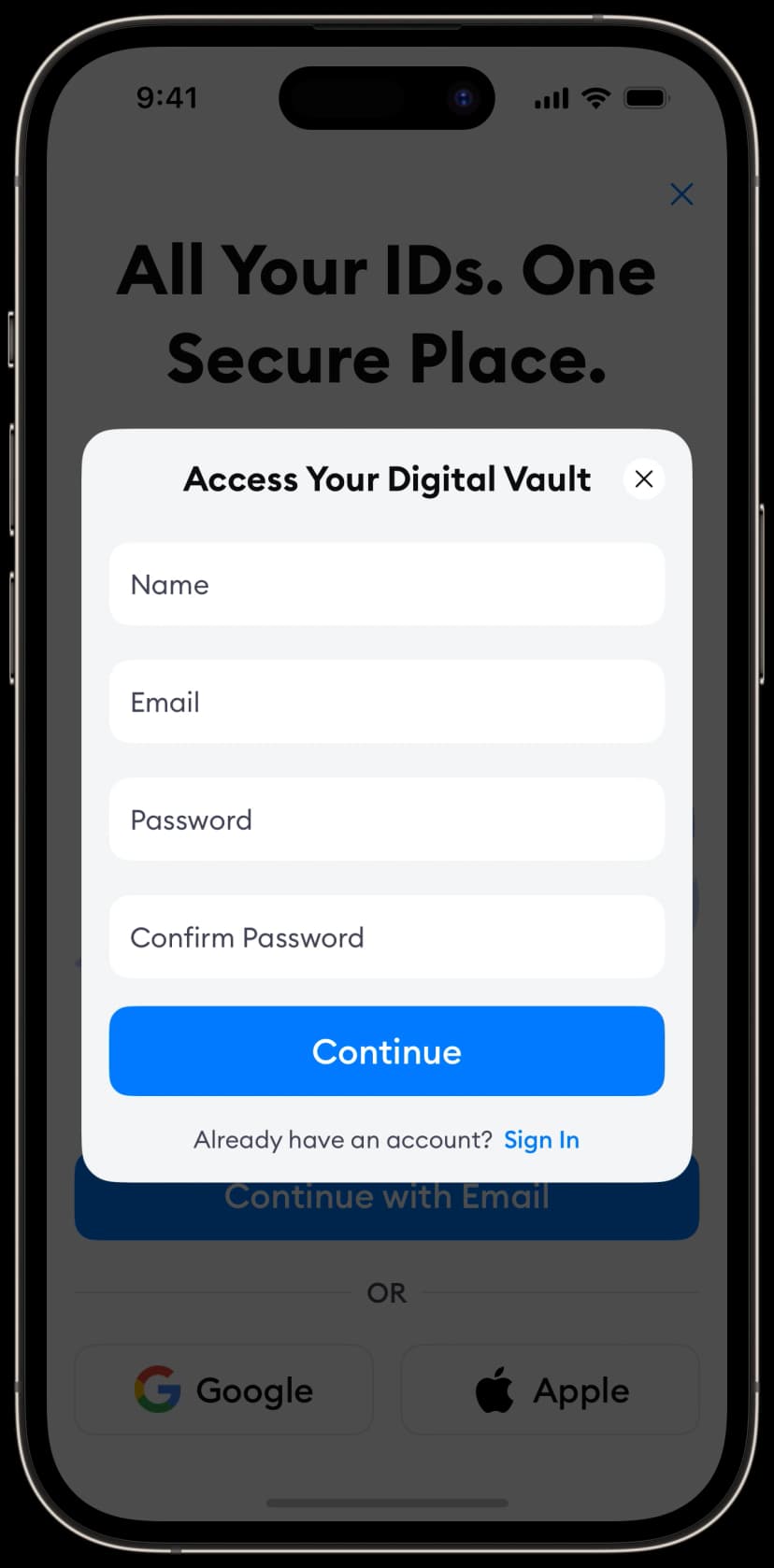
Login and sign-up flows to authenticate users in your app.
Profile Screens
User profile pages to showcase information and settings.
Variant 1
View code →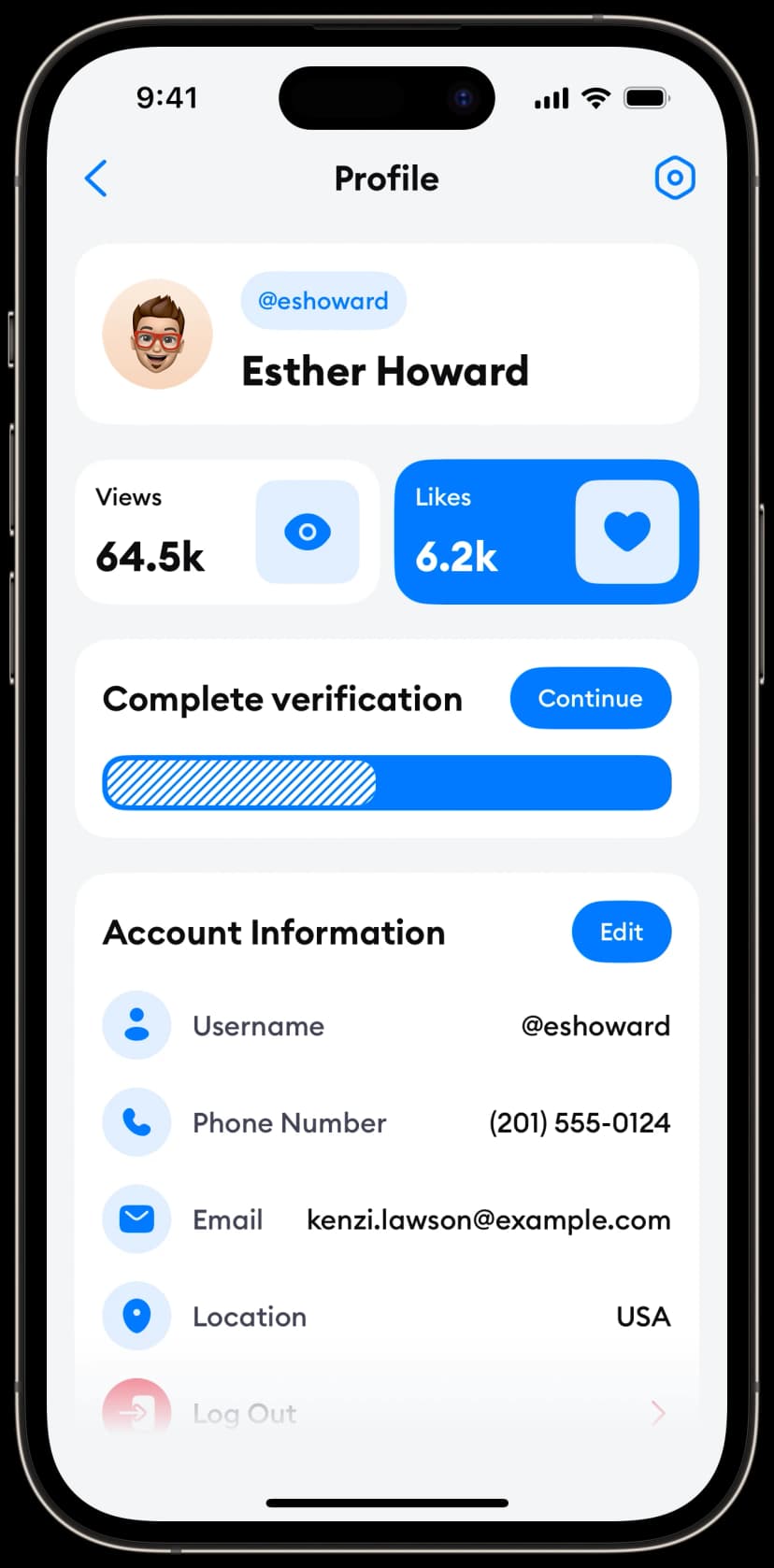
Variant 2
View code →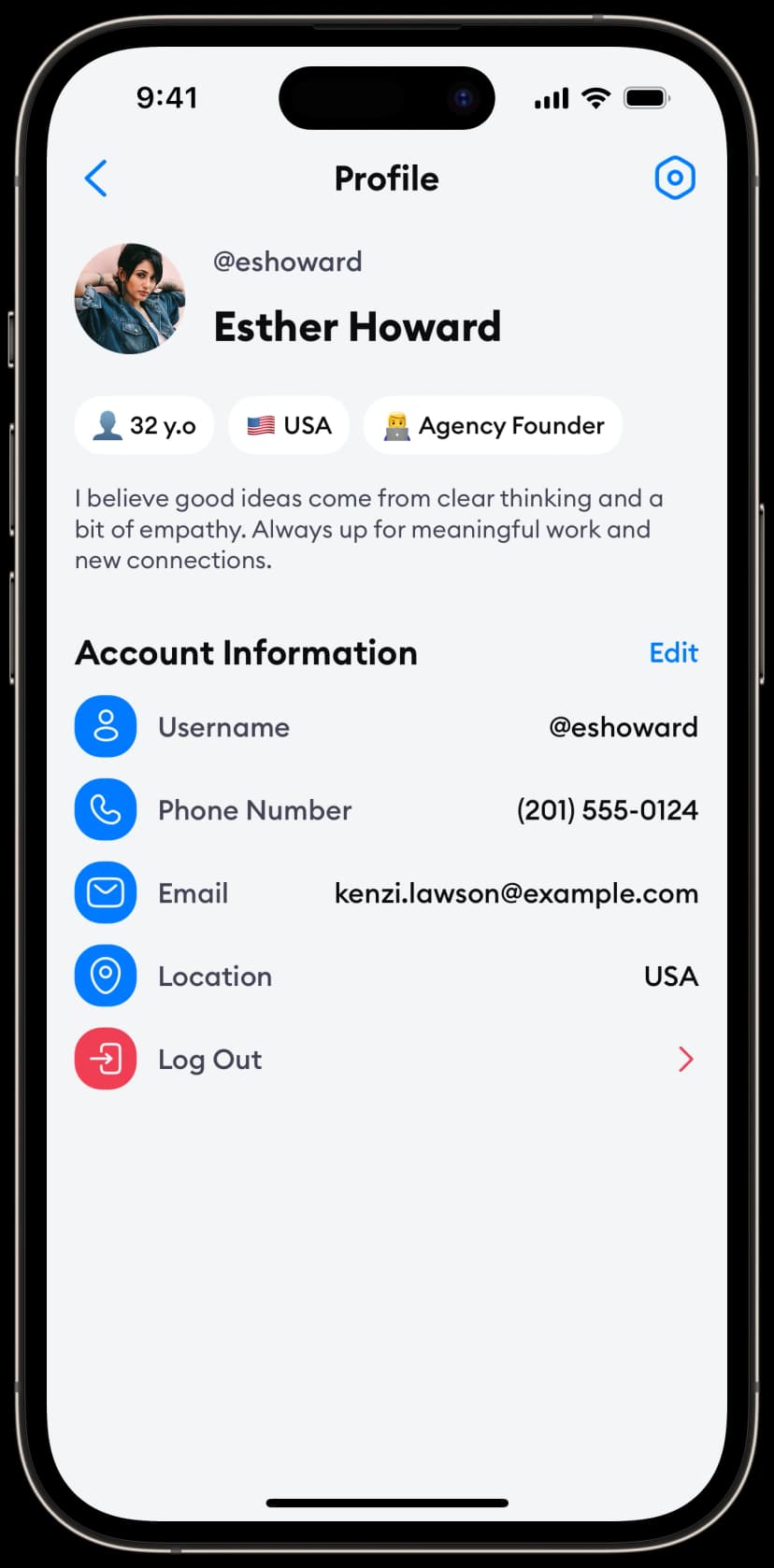
Variant 3
View code →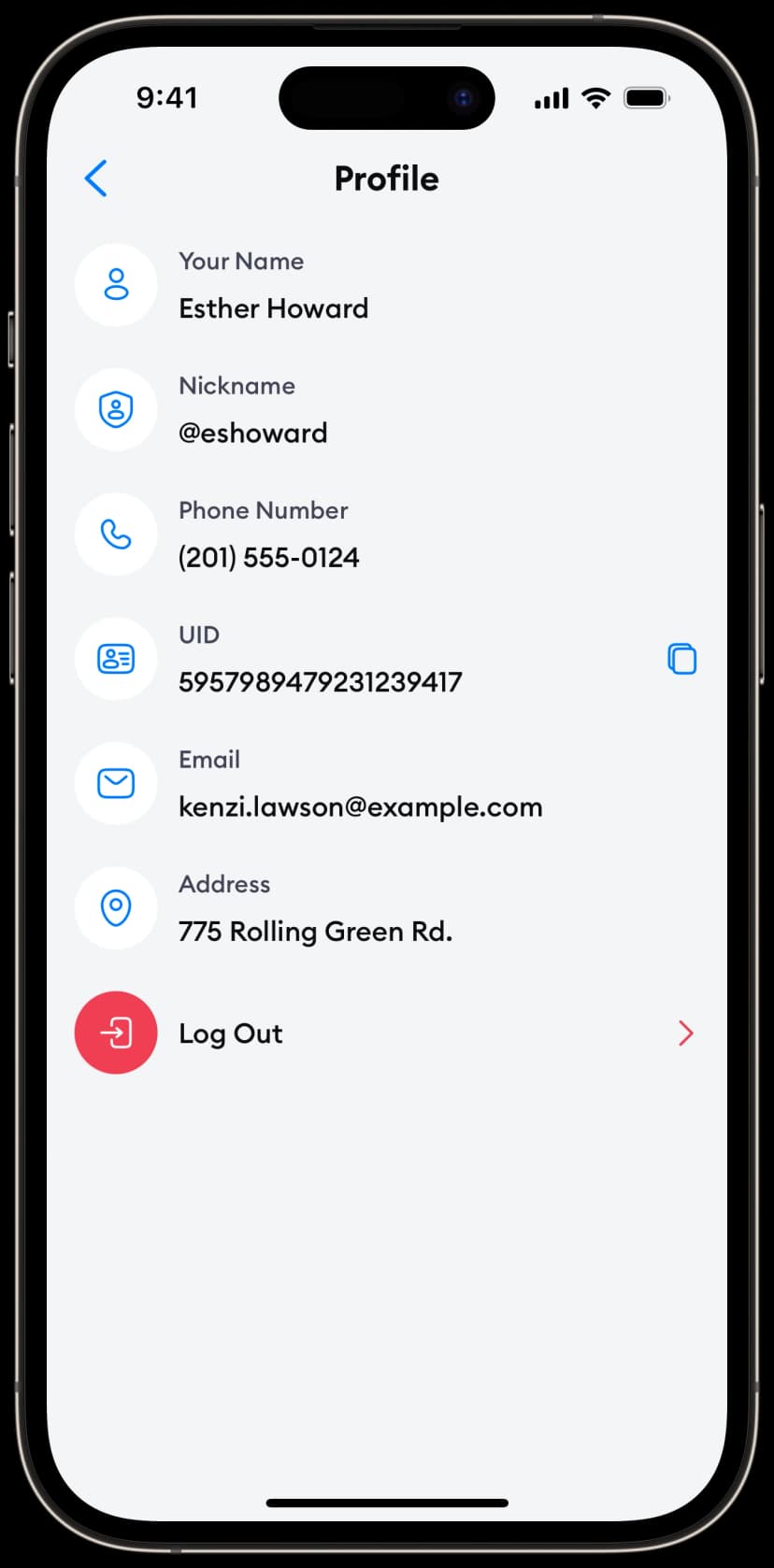
Variant 4
View code →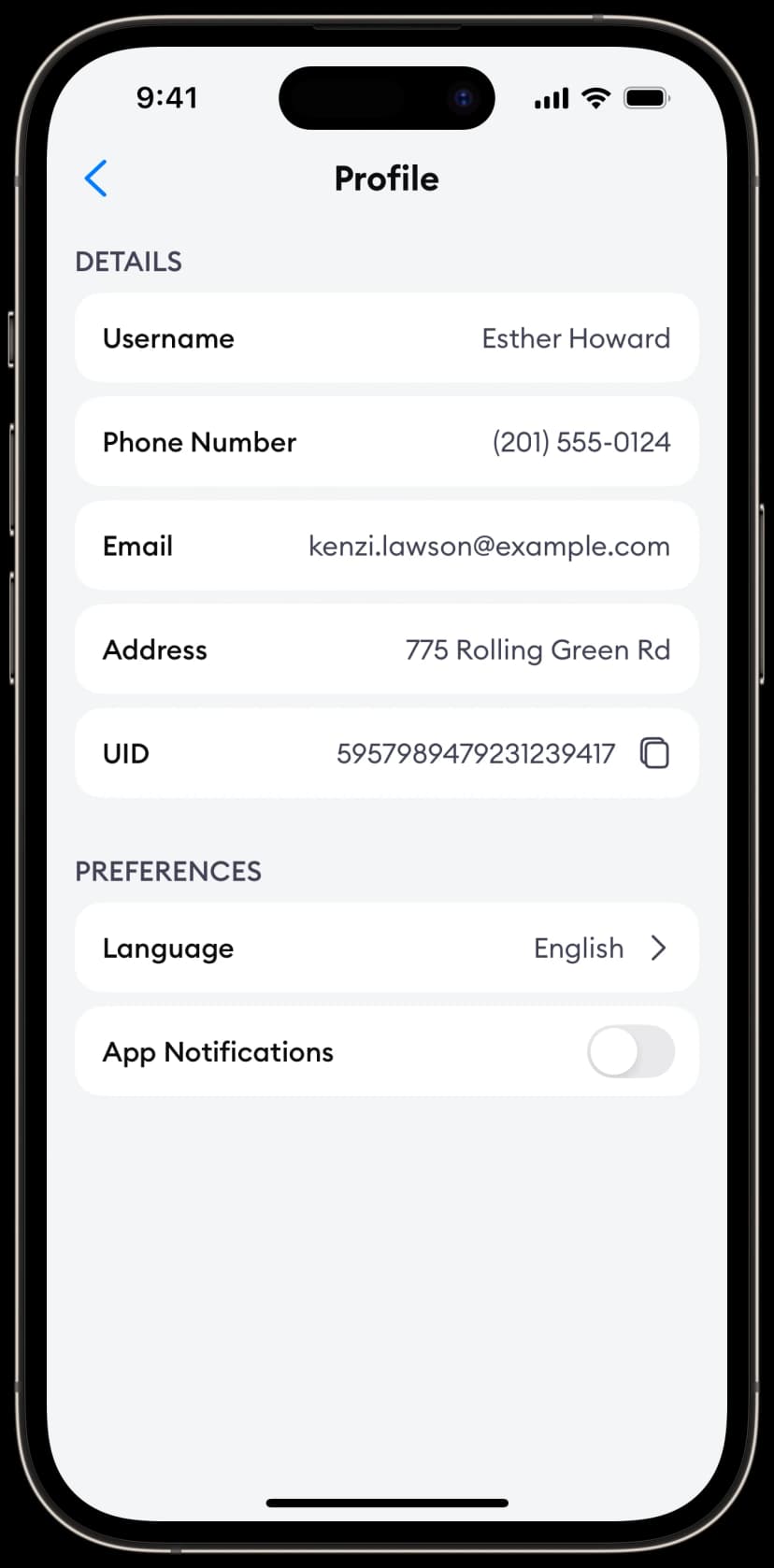
Variant 5
View code →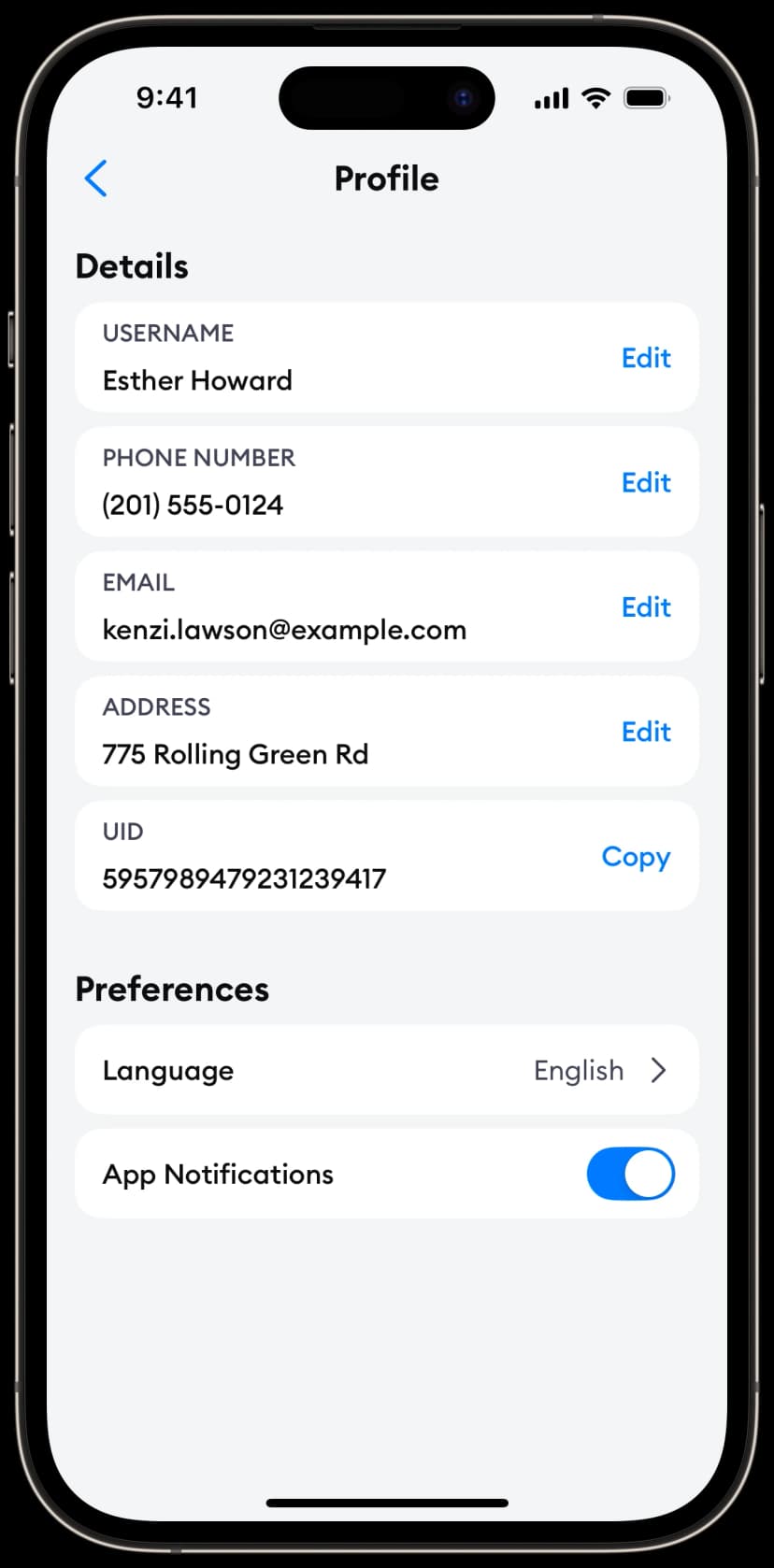
Variant 6
View code →